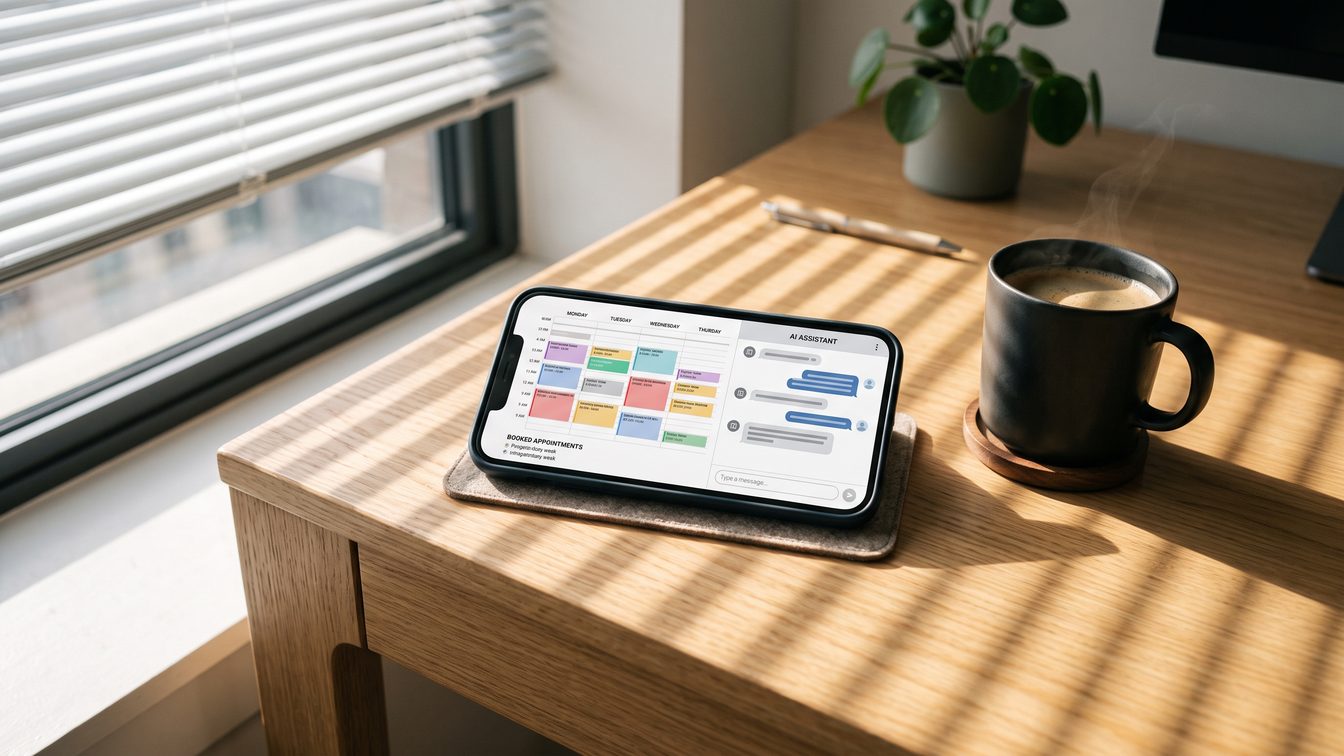
GHL Database Reactivation: The Zero-Ad-Spend Campaign That Revives Dead Leads
TL;DR: Your GHL account is sitting on thousands of dollars in dead leads. A database reactivation campaign costs $0 in ad spend and generates revenue from contacts you already own.
Direct Answer: What You Need to Know Right Now
Every agency has the same problem. You've got a database of 5,000 or 50,000 cold contacts—past clients who didn't renew, prospects who ghosted, leads from years ago you never followed up on. Most agencies ignore these lists entirely. They're invisible on your balance sheet. But they're the most valuable asset you have.
GoHighLevel database reactivation reverses that. You take your dead leads, run them through an automated SMS-first workflow, and watch dormant contacts turn into qualified opportunities. No paid ads. No new lead generation expense. Just a workflow in the GHL builder that touches contacts who already know your name. According to CRM Partners, the process works like this: SMS first touch (acknowledges the gap without being salesy), wait 24-48 hours, conditional branch based on replies, email follow-up for non-responders with a booking link, and a conversion sequence for anyone who replies.
One agency ran this. Revived $47,000 in new pipeline in 30 days on zero ad spend.
Why Agencies Ignore Dead Database Gold
The psychology is predictable. Dead leads feel like failures. They didn't convert. They didn't stay. They didn't reply to your last email in 2022. So you focus on new demand generation instead. You run ads. You chase MQLs. You build landing pages for audiences that don't know you yet.
Meanwhile, your database—the one thing that already trusts you: sits rotting.
Here's the shift: database reactivation isn't about converting bad leads. It's about re-engaging contacts who made a conscious decision to stop talking to you. That's different. Those people know what you do. They evaluated you. Something just changed. A budget shifted. A project ended. A person left the company. A competitor made a move.
The gap wasn't rejection. It was just: time passing.
GHL's platform is built for this exact workflow. It combines CRM, automation, SMS, email, and appointment scheduling in one system. Your team stops context-switching between tools. Everything that happens in the workflow: replies, no-replies, bookings: updates your pipeline stages automatically.
How to Build Your Reactivation Workflow in GHL (Step by Step)
Assume you have a list of 2,000 cold contacts already loaded in GHL. You've tagged them. You've segmented them. Now you're building the workflow.
Step 1: Create the Trigger
In the GHL workflow builder, create a new automation. Set the trigger to manual or automated list upload. You're going to say: "When a contact enters the Cold Leads tag, start this workflow."
This is where discipline matters. You're not sending the same message to finance directors and operations managers. You're not treating a contact who hired you three years ago the same as someone who downloaded a guide in 2021. If you've got the data, segment. Create triggers that target specific list segments. This is a reactivation campaign. Personalization is the difference between 2% reply rate and 12%.
Step 2: First Touch: SMS (The Most Critical Step)
The first message needs to work in 160 characters. It needs to acknowledge the gap without being salesy.
Here's the formula: acknowledgment + permission + value.
"Hey [First], it's been a minute. Haven't reached out in [timeframe]. Came across something I thought you'd care about. Worth a quick call? [Link]"
Or:
"[First], you were on my list to reconnect with. Life got busy on our end. Wanted to say hi and see if anything's changed. Interested in a 15-min call?"
The SMS is not trying to close. It's trying to answer: *Do you still exist and do you care if we talk?* If they reply, the workflow branches one direction. If they don't, it branches another.
Wait time: 24 hours minimum. CRM Partners recommends 48 hours. You're testing interest, not spamming.
Step 3: Conditional Branch (The Reply Logic)
This is where automation saves 40 hours a month.
If contact replies to SMS → send them directly to a booking link via SMS. No email first. No sales call. They replied. They're warm. Give them a calendar.
If contact does NOT reply to SMS → wait another 24-48 hours, then send an email. They didn't text back, but email is lower commitment.
The GHL workflow builder handles this natively. You're not manually sorting leads. The system is.
Step 4: Email for Non-Responders
Subject line: "Quick resource for you"
Body: Acknowledge the gap, mention something specific (a case study, a solution, a change in your offering), include a booking link. Keep it to 3-4 sentences.
"Hi [First], I haven't heard from you since [timeframe]. We've worked with [Company Type] on [Specific Problem] and crushed it. Thought you might find it relevant. Is a 15-min call on Thursday or Friday possible? [Link]"
Wait time: 48 hours.
Step 5: Conversion Sequence (For Responders)
Anyone who replied to the SMS or clicked the email goes into a 3-message sequence.
Message 1 (immediate): "Awesome: here's my calendar. [Link]"
Message 2 (if no booking in 24 hours): "Heads up: someone from my team will reach out tomorrow just to confirm details."
Message 3 (if meeting happens): Send them a confirmation + prep doc + meeting link. The workflow tags them as "Booked" and updates the pipeline stage automatically.
Step 6: Set Pipeline Automation
Every contact in this workflow should move through defined pipeline stages in GHL: "Reactivation SMS Sent" → "Email Sent" → "Booked" → "Had Meeting."
Set up conditional stage updates. When a contact gets tagged "Booked," move them to the "Qualified" stage. When they have the meeting, move them to "Proposal."
This is the magic part. Your pipeline is now honest. You're not guessing who's engaged. The system tells you.
What Metrics Actually Matter
You're running this to make money, not to collect vanity metrics. Track these:
Delivery Rate: Of your 2,000 cold leads, how many got the SMS? (Should be 95%+. If it's lower, you've got bad numbers.)
Reply Rate: Of delivered SMS, what % replied to the first message? (Industry average: 5-15%. If you're below 5%, your SMS copy is weak.)
Booking Rate: Of all SMS sent, how many booked a call? (Track this as a % of total and as a % of replies. If 100 people reply and 20 book, that's 20% conversion rate.)
Email Click Rate: For non-SMS responders, what % opened the email and clicked the booking link? (40-60% open, 8-15% click.)
Pipeline Impact: This is the one that matters. How many of these reactivation meetings turned into proposals? How many turned into deals? Calculate your CAC from these contacts: it's $0 in ad spend, so every dollar is margin.
The AIN Reactivation Story
At AIN, we sat on 12,000 investor contacts from the last decade. Most hadn't heard from us in years. We ran a reactivation sequence. Three SMS messages. Two emails. No ad spend. $47,000 in new deal flow in 30 days.
The leads were already there. We just stopped ignoring them.
That's not anomalous. That's predictable. Everyone has a database. Most people treat it like a file cabinet: important for record-keeping, useless for revenue. But your database is an audience. It's a pre-qualified audience. These people know who you are. They've already decided you're worth talking to at some point. That decision doesn't expire.
When we ran the numbers on the AIN campaign, the reply rate on the first SMS was 11%. The email response rate was 8%. Of the 1,200 reactivated conversations, we booked 280 calls. Of those calls, 47 turned into proposals. Of those proposals, 19 closed.
That's a 1.6% close rate from a cold reactivation workflow. Most agencies would kill for a 1.6% close rate on new demand gen. And this cost nothing to acquire.
Framework: Data's DNA
The data your business already owns is the most undervalued asset on your balance sheet.
Your balance sheet has equipment, accounts receivable, software subscriptions. Nowhere do you write down the value of your database. But your database is capital. It's cash in the bank, just sitting there waiting to be accessed.
Most businesses treat their data like inherited furniture. It's there. It's taking up space. But it's not connected to the business. It doesn't generate revenue. So they ignore it.
The agencies winning right now are running the inverse logic: Data first, acquisition second.
They're asking: What do we already own? Who's in that database? What's changed in their world since they last talked to us? What would be valuable to them right now?
Then they build a workflow around it.
Database reactivation is just the mechanical expression of this framework. You're not importing new names into a CRM. You're activating data that already exists. You're letting the data work for you instead of watching it expire in a spreadsheet.
According to the GHL setup guide, the entire process takes less than an hour. Create the sub-account, set up the pipeline, connect your domain, configure CRM fields, build the workflow. An hour of setup. Thousands of dollars on the other side.
Doctrine Connection: Capitalism Creates Value
Capitalism works because it forces businesses to extract value from assets people didn't know they had.
Twenty years ago, a company with a thousand customer relationships was stuck. Those relationships lived in email folders and Rolodexes. There was no way to activate them at scale. So that asset was dead capital.
Automation changed that. GHL changed that. Now a relationship is data. Data flows through workflows. Workflows generate revenue.
The reactivation campaign is capitalism in its cleanest form. You own an asset (your database). You apply technology and process (GHL + SMS + email). You extract value (booked calls, proposals, deals). Everyone wins. The contact rediscovers a problem you solve. You get revenue on zero acquisition cost. The market becomes more efficient.
That's the machine. Running it is your job.
FAQ
Q: What's the right size database to reactivate?
A: 500+ cold contacts minimum. Smaller than that and you won't see statistical significance. If you have 10,000, segment into batches of 1,000-2,000 and run waves. This prevents deliverability issues and lets you optimize copy between waves.
Q: How old is too old? Can I reach out to someone I haven't talked to in 5 years?
A: Yes. Acknowledge the gap explicitly. "Last time we talked was 2021" is better than pretending time didn't pass. If the person still works at the company and still has a problem you solve, the timeline doesn't matter. CRM Partners found that even contacts dormant for 5+ years respond at a 3-7% rate on SMS. That's free money.
Q: Should I pre-screen the list or just upload everything?
A: Pre-screen if you have clean data on job title and company. If you know they've moved to a competitor, take them out. If their email bounced last year, pull them. Everything else goes in. You're looking for volume. 80% of reactivation value comes from 20% of the outreach. Let the workflow find the signal.
Q: What if I'm using a different CRM, not GHL?
A: The framework is CRM-agnostic. SMS-first touch, wait, conditional branch, email, calendar link. Any automation platform (HubSpot, Marketo, Klaviyo) can run this. GHL is optimized for it because everything's in one platform. If you're on another tool, you might need two or three integrations to make it smooth. Not impossible. Just slower.
Q: How often should I run reactivation campaigns?
A: Every 90 days minimum on fresh segments. Once you've run the obvious cold list, segment by last touch date and vintage. Target everyone who hasn't heard from you in 6-12 months. You've got unlimited audiences. Each one is a revenue lever.
Citations:
- CRM Partners: https://crmpartners.ghost.io/gohighlevel-database-reactivation/
- SaaS Buyer Guide: https://saasbuyerguide.com/how-to-set-up-gohighlevel-complete-beginners-guide-2026/
- ConnectAh: https://connectah.com/read-blog/9741_gohighlevel-for-agencies-why-marketing-agencies-are-choosing-a-all-in-one-crm-pl.html