
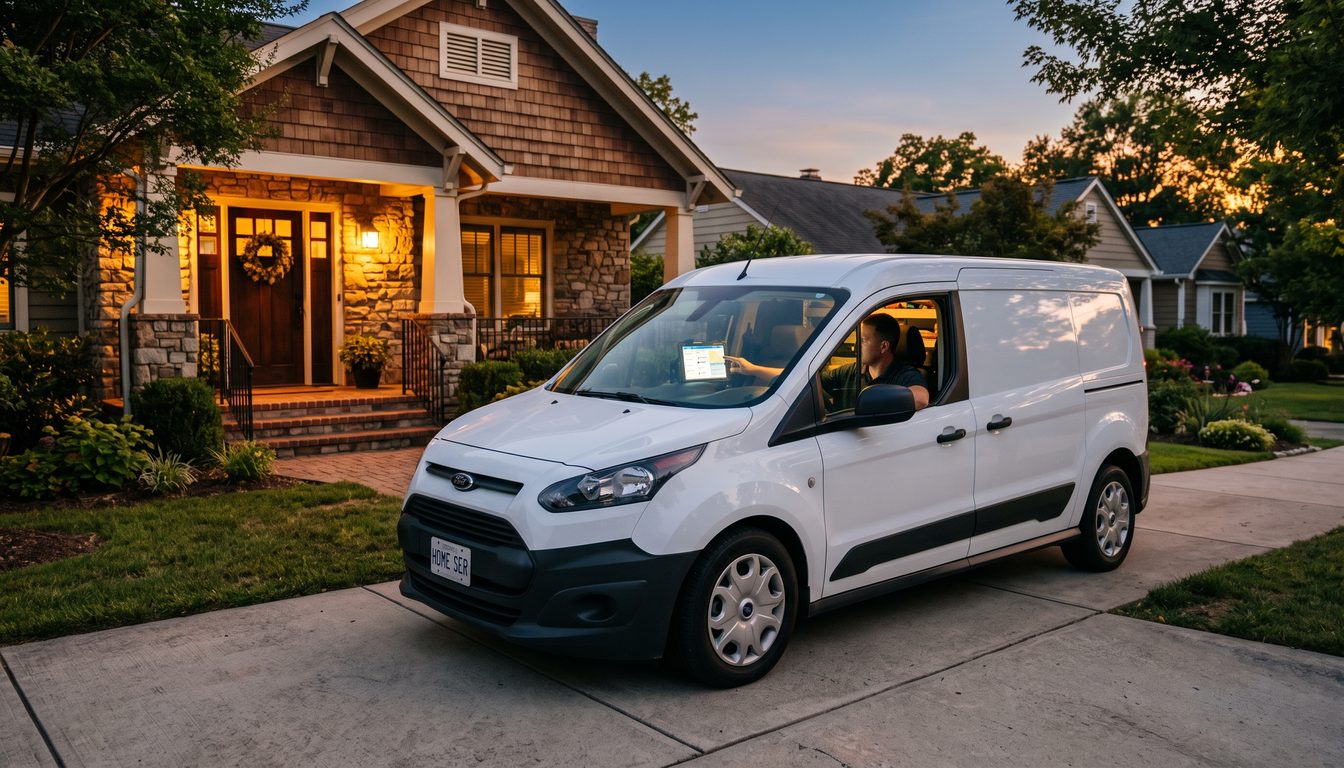
A plumber's phone rings at 9:47 PM on a Tuesday. Water heater burst. Homeowner is panicking. The plumber is at dinner with his family. The call goes to voicemail. According to ServiceTitan's analysis of 847 home service businesses, 85% of callers who hit voicemail never call back. That plumber just lost a $2,342 emergency job because the machine answered instead of a system.
Multiply that by 20 after-hours calls per month. That is $36,000 in revenue leaking through the cracks every single month — not because the plumber is bad at plumbing, but because the plumber has no system for the 40-50% of service calls that arrive after business hours.
This is not a marketing problem. This is an operations problem with a $200/month solution.
The After-Hours Revenue Leak
The numbers are specific and verified. Forty to fifty percent of inbound service calls arrive outside regular business hours. This is not an estimate — it is a consistent finding across HVAC, plumbing, electrical, and roofing contractors tracked by ServiceTitan and Housecall Pro.
Of those after-hours calls, 85% of callers who reach voicemail do not call back. They call the next contractor in their search results. First responder advantage : the contractor who answers the phone gets the job. Not the best contractor. The available one.
For a contractor doing $500,000 in annual revenue, the after-hours leak represents $73,000 to $180,000 in lost annual revenue, depending on average ticket size and call volume. That is not a rounding error. That is the difference between running a business and running a job.
I stood watch on the USS Jefferson City for six years. Reactor plants do not go on voicemail after 5 PM. The watch rotation ensures someone qualified is always standing by. Your phone is the equivalent of a reactor alarm panel : when it rings, it means someone has an emergency and money to spend. Treat it like a casualty drill, not a suggestion box.
The $200/Month Dispatch Stack
Here is the setup. Two components. No custom development. No six-month implementation.
Component 1: AI Voice Receptionist : $29-150/month
Three proven options at different price points:
- Dialzara ($29/month): Built specifically for trades. Handles inbound calls with trade-specific language. Books appointments. Captures caller details. Sends job summaries via text. Best for solo operators on a budget.
- Goodcall ($79/month): AI receptionist with CRM integration. Routes calls based on urgency. Handles scheduling. Sends follow-up texts. Good for 2-5 person operations.
- Smith.ai ($150/month Pro plan): Professional AI receptionist with live human backup. Handles complex scheduling, provides warm transfers for emergency calls, integrates with Housecall Pro and ServiceTitan. Best for operations billing $50K+/month.
Component 2: Field Service Management with AI Dispatch : $59-149/month
- Housecall Pro Basic ($59/month): Scheduling, dispatching, GPS tracking, invoicing. AI-assisted job routing suggests the nearest available tech. Online booking page for customer self-scheduling.
- Housecall Pro Essentials ($149/month): Everything in Basic plus automated marketing, review requests, and advanced reporting. The dispatch AI factors in drive time, tech skills, and job complexity.
- Jobber Core ($49/month): Similar scheduling and dispatching. Strong quoting and follow-up automation. Better for contractors who need fast job estimating.
The Recommended Stack for a Solo Contractor:
Dialzara ($29/month) + Housecall Pro Basic ($59/month) = $88/month total.
That $88 captures the 40-50% of calls you are currently missing. If your average ticket is $800 and you capture even 5 additional jobs per month, that is $4,000 in recovered revenue for $88 in tooling. A 45:1 return.
The Recommended Stack for a Growing Operation (3-8 techs):
Smith.ai Pro ($150/month) + Housecall Pro Essentials ($149/month) = $299/month total.
At this scale, you are recovering 10+ jobs per month and the dispatch AI is saving 6-8 hours per week in manual scheduling. The human backup on Smith.ai handles the complex calls : insurance questions, multi-day projects, commercial accounts : that pure AI cannot close.
The Setup in Four Steps
Step 1: Forward your after-hours calls (30 minutes)
Configure your business phone to forward to the AI receptionist after 6 PM and before 7 AM, and all day on weekends. Most phone systems support time-based forwarding. If yours does not, Google Voice ($10/month) adds this capability.
Step 2: Train the AI receptionist on your services (1 hour)
Enter your service list, pricing ranges, service area, and availability. The AI needs to know: what do you do, where do you do it, and when can you do it. Dialzara and Smith.ai both use onboarding wizards that walk you through this.
The critical configuration: set urgency tiers. A burst pipe at midnight is not the same as a faucet drip on Thursday. Configure the AI to identify emergency keywords (flooding, no heat, no AC, electrical sparks, gas smell) and route those calls differently : immediate text to the on-call tech, not just a booking for tomorrow.
Step 3: Connect to your field service software (30 minutes)
Link the AI receptionist to Housecall Pro or Jobber so bookings flow directly into your dispatch calendar. No manual re-entry. The customer calls, the AI books, the job appears on your tech's morning schedule.
Step 4: Set up the morning brief (15 minutes)
Configure automated text or email summaries that land at 6 AM with every after-hours booking. This is your morning watch report. How many calls came in. How many jobs were booked. How many need follow-up. Start every day knowing what the night produced.
Total setup time: under 3 hours. Total monthly cost: $88-299. Total annual revenue recovery: $50,000-200,000+, depending on your market and ticket size.
GHL (GoHighLevel) as an Alternative
Some contractors run GoHighLevel for their full CRM and marketing. GHL now includes voice AI capabilities. The pricing model:
- AI voice agent through GHL: $0.06/minute + LLM costs, or approximately $97/month on the unlimited plan.
- GHL handles inbound calls, outbound follow-ups, appointment reminders, and review requests.
- The advantage is consolidation : your phone system, CRM, and marketing automation in one platform.
- The disadvantage is complexity. GHL is powerful but not plug-and-play for a contractor who just needs calls answered. The setup time is 10-20 hours versus 3 hours for the dedicated stack.
If you already use GHL, add the voice AI. If you do not, start with the dedicated stack and evaluate GHL when your operation reaches $1 million+ in revenue.
The Case Study That Proves the Math
A roofing contractor in Atlanta running a 4-person crew tracked their metrics for 90 days after implementing the AI dispatch stack (Goodcall + Housecall Pro):
- After-hours calls answered: went from 0% to 94%
- Jobs booked after hours per month: went from 2 (callbacks the next morning) to 11
- Revenue from after-hours bookings: $14,300/month average
- Cost of the stack: $228/month
- ROI: 62:1
The contractor's quote: "I was losing more money sleeping than my competitor was making working." That line stuck with me because it captures the fundamental problem. The revenue is already calling you. You just need to answer.
What AI Cannot Do (Yet)
Three things to be honest about.
AI cannot diagnose. "My furnace is making a clanking noise" requires a human follow-up question tree that current voice AI handles poorly. Configure the AI to capture symptom descriptions and forward them to your techs, not to attempt troubleshooting.
AI cannot negotiate commercial contracts. Property managers, HOAs, and commercial accounts need relationship-based conversations. Route these to a human during business hours. The AI's job is to capture the lead and book a callback, not to close a $50K HVAC replacement.
AI cannot guarantee emergency response times. Be careful about what the AI promises. "A technician will call you within 30 minutes" is a commitment your AI made that your team might not honor at 2 AM. Configure conservative response time promises and overdeliver.
The Doctrine Connection
Responsibility beats excuses. Every missed after-hours call is a customer in distress who reached out to you first and got a machine. That customer called you because they trust you. When you let voicemail answer, you are telling them the trust was misplaced. An $88/month system does not just recover revenue. It honors the relationship. That is not efficiency. That is responsibility.
Frequently Asked Questions
Q: Will customers know they are talking to AI?
Modern voice AI (Dialzara, Goodcall, Smith.ai) sounds natural and handles standard scheduling conversations without customers realizing it is automated. The key is configuring realistic scripts. Avoid "I'm an AI assistant" openers. Use: "Thank you for calling [Business Name], how can I help you today?"
Q: What about customers who specifically want to talk to a person?
Configure the AI with a human transfer option. "I can schedule a callback from [Name] first thing tomorrow morning, or I can connect you now if this is an emergency." Most after-hours callers prefer a booked appointment over waiting for a callback.
Q: How long does it take to see results?
Most contractors report measurable results within the first 2 weeks. The AI starts capturing calls immediately. The lag is in converting those bookings to completed jobs, which follows your normal scheduling cycle.
Q: Does this work for seasonal businesses?
Yes. In fact, seasonal contractors benefit more because the after-hours call volume spikes during peak seasons (summer for HVAC, winter for plumbing). The AI scales automatically : no overtime, no temp staff, no burnout.
*Jeff Barnes, MBA is CEO of Angel Investors Network and founder of DEMG.ai. He has no financial relationship with any vendor mentioned. This is operational guidance for service business operators, not product endorsement.*