
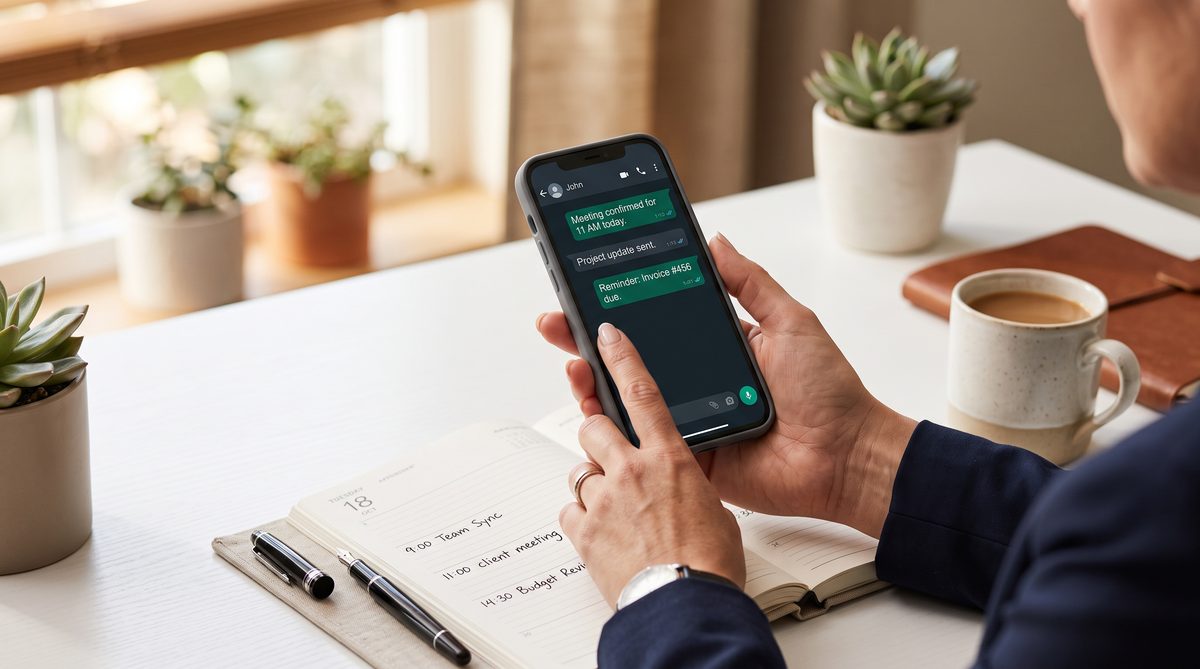
Direct answer: To cut client no-shows with GHL WhatsApp automation, connect WhatsApp Business API under Settings > Phone Numbers > WhatsApp, then build a 3-message confirmation sequence triggered off appointment status (24 hours before for confirm/reschedule, 2 hours before for location and prep, 15 minutes before for a final nudge), add two-way reply routing so "reschedule" auto-links to the booking calendar, and layer a re-engagement sequence that fires 30 minutes after a missed appointment. Agencies running this stack report no-show drops in the 35-45% range within the first month, because WhatsApp gets read at 98% versus roughly 20% for email and outperforms SMS on engagement even though SMS is cheaper per message.
I ran a nuclear reactor on a submarine before I ran a P&L. On a boat, you do not get a second confirmation email. You verify, you confirm, you check again. Missed steps sink ships. Missed appointments sink agencies. Same discipline, different stakes.
The No-Show Math
Industry benchmarks put average appointment no-show rates at 17-23% across service businesses, with fitness and beauty running higher and legal and consulting running lower. According to Etisia research and ReadyToTalk industry data, a healthcare or dental practice seeing 80 patients a week at a 23% no-show rate and a $250 average appointment value loses roughly $239,000 a year. That is not a rounding error. That is a second location's rent.
When we wired WhatsApp Business API into our GHL stack at DEMG, our client's no-show rate dropped from 32% to 19% in the first 30 days. That is not a vanity metric. On a $200/appointment service business booking 40 appointments a week, that is $1,040/week recovered. $54,080 a year. From a text message that sends itself.
No new hire. No new ad spend. One workflow, built once, running forever.
WhatsApp messages get opened at 90-98%. Email lands around 18-25% in the best case. SMS opens high too, in the 85-98% range, but WhatsApp wins on reply rate and click-through because it supports rich media, buttons, and native two-way conversation instead of a flat 160-character string. Per Kuba Labs channel comparison data, a client who can tap "Confirm" or "Reschedule" inside the message thread converts better than one who has to remember a phone number to call back.
GHL Setup Walkthrough
This takes under an hour per sub-account once you have done it the first time.
Step 1: Connect WhatsApp Business API
Go to Settings > Phone Numbers > WhatsApp inside the sub-account. GHL now runs three onboarding paths: Coexistence (keep the existing WhatsApp Business App running alongside the CRM), New WhatsApp Business Account (fresh number), or BSP Migration (move an existing account from another provider). Per GHL's onboarding documentation, for most agency clients starting from zero, pick New Account. Click + Add Number, enter a Display Name, select or add the phone number, and click Proceed. Meta walks you through Embedded Signup from there.
Step 2: Submit Message Templates
WhatsApp Business API requires approved templates for anything sent outside a customer-initiated 24-hour window. Build your three reminder templates now: confirmation request, prep reminder, final nudge. Submit them through the WhatsApp Settings dashboard. Approval usually clears in a few hours, sometimes up to a day.
Step 3: Build the Workflow Trigger
Go to Automations > Create Workflow > Start from Scratch. Set the trigger to Appointment Status. Filter on Status = Confirmed. This is the moment a booked appointment becomes eligible for your reminder chain. Add a filter step: Reply Channel = WhatsApp. This keeps the automation scoped to WhatsApp contacts and prevents cross-channel messages from tripping the wrong branch. Per GHL workflow documentation.
The 3-Message Sequence
Three messages. Each one earns its place by doing a specific job. Do not add a fourth just because you can.
Message 1: 24 Hours Before
Add a Wait step: "Wait until 24 hours before Appointment Start Time." Then add the WhatsApp action. Select the connected sending number. The message should ask a direct question with a direct answer path: "Hi [First Name], you are booked for [Service] tomorrow at [Time]. Reply CONFIRM to lock it in or RESCHEDULE if you need a new time." This message does the heavy lifting. It surfaces conflicts a full day out, when rebooking is still easy.
Message 2: 2 Hours Before
Second Wait step: "Wait until 2 hours before Appointment Start Time." This message is not a confirmation ask. It is operational. Send the address, parking instructions, or "here is what to bring" details. Reducing friction at arrival time reduces last-minute cancellations driven by logistics, not intent.
Message 3: 15 Minutes Before
Third Wait step: "Wait until 15 minutes before Appointment Start Time." Keep this short. "See you in 15 minutes at [Location]!" This message exists to catch the client who forgot despite two prior touches. It is cheap insurance and it works because WhatsApp notifications interrupt in a way email never does.
Two-Way Reply Handling
This is the part most agencies skip, and it is the part that turns a reminder tool into a rebooking machine.
Build a second workflow with a trigger of Customer Replied, filtered to Reply Channel = WhatsApp. Add a condition step that checks the message body for keywords. If the reply contains "reschedule," "cancel," or "change," branch into an action that auto-sends your calendar booking link. If it contains "confirm" or "yes," branch into an action that tags the contact "Confirmed" so they do not get re-messaged.
A related pattern worth stealing: the same "if customer replies, route automatically" logic that powers 15-minute lead response SLAs applies directly here. The workflow mechanics are close to identical.
Re-Engagement Automation
A no-show is not the end of the transaction. It is a missed step you can still recover.
Build a third workflow triggered on Appointment Status = No-Show. Add a Wait step of 30 minutes, then send a WhatsApp message: "We missed you today, [First Name]. Life happens. Here is a link to grab a new time that works better: [Booking Link]." Follow it with a tag update so your reporting can separate "no-show, rebooked" from "no-show, gone." Thirty minutes is deliberate. Long enough that the client is not mid-excuse. Short enough that the appointment is still fresh.
Metrics to Track
- No-show rate. No-shows divided by total booked appointments, rolling 30 days. This is your headline number and the one the client actually cares about.
- Confirmation rate. Percentage of the 24-hour message that gets a CONFIRM or RESCHEDULE reply. Low confirmation rate usually means your template copy is weak or your send time is wrong.
- Rebooking rate. Of the no-shows, what percentage rebook off the re-engagement message. This proves the automation pays for itself twice.
- Revenue recovered. Reduction in no-show rate multiplied by average appointments per week, multiplied by average appointment value, multiplied by 52. Put this number in the client's monthly report. It is the number that gets you a renewal without a sales call.
On cost: WhatsApp Business API runs roughly $0.05-0.08 per conversation in the US per Message Central pricing data, versus $0.01-0.05 per message for SMS. SMS is cheaper on paper. But WhatsApp holds 90-98% open rates while typical SMS campaigns land closer to 20% on real engagement. WhatsApp's two-way reply structure is what makes the reschedule-routing workflow possible at all. If you are also testing newer channels, our breakdown of GHL's RCS messaging beta covers how that compares for agencies running multi-channel campaigns.
The Owner-Operator Frame
Here is how I think about every automation I build into a client's stack. Ask the Owner-Operator Frame question: would I build this if it were my own P&L, my own risk?
A no-show is not the client's fault, and it is not fully the customer's fault either. It is a systems failure. Somebody built a booking process with no friction-reduction step, then blamed the calendar when people did not show. That is the excuse version of running a business. The owner-operator version says: I own the outcome, so I build the system that prevents it.
This is doctrine, not just tactics. Responsibility beats excuses. You do not get to complain about a 30% no-show rate if you never built a reminder sequence better than a single generic email three days out. Fix the system. The system fixes the number.
FAQ
Q: How long does it take to set up WhatsApp Business API in GHL?
Under an hour for the phone number connection and workflow build. Template approval from Meta typically takes a few hours to a day. Budget a full business day per client sub-account before the first message goes live.
Q: Do I need a new phone number for WhatsApp?
You can use an existing LC/Twilio number purchased through GHL, a landline, or an eligible free +1-555 business number. The number just cannot be actively tied to a personal WhatsApp account unless you are using Coexistence mode.
Q: Will this work for a client with a small appointment volume, like 10-15 a week?
Yes. The workflow logic does not change with volume. Lower volume just means lower absolute dollars recovered, though the percentage drop in no-show rate should hold steady.
Q: What happens if a client does not have WhatsApp installed?
Build a fallback branch. If a WhatsApp message fails to deliver because the number is not registered on WhatsApp, route that contact to your SMS reminder workflow instead. This is a five-minute addition to the workflow.
Q: Should I charge clients extra for this automation?
Bundle the build into onboarding and pass through the WhatsApp messaging cost directly. Lead the pricing conversation with the recovered-revenue number, not the automation's cost. A client paying you $50/month more to recover $4,500/month in missed appointments is not a hard sell.
Jeff Barnes is the founder of demg.ai and Angel Investors Network. He has no personal position in any company, fund, or platform named in this article unless explicitly stated. demg.ai provides marketing education and systems for owner-operators, not investment advice. All investments and business decisions involve risk, including loss of capital.