
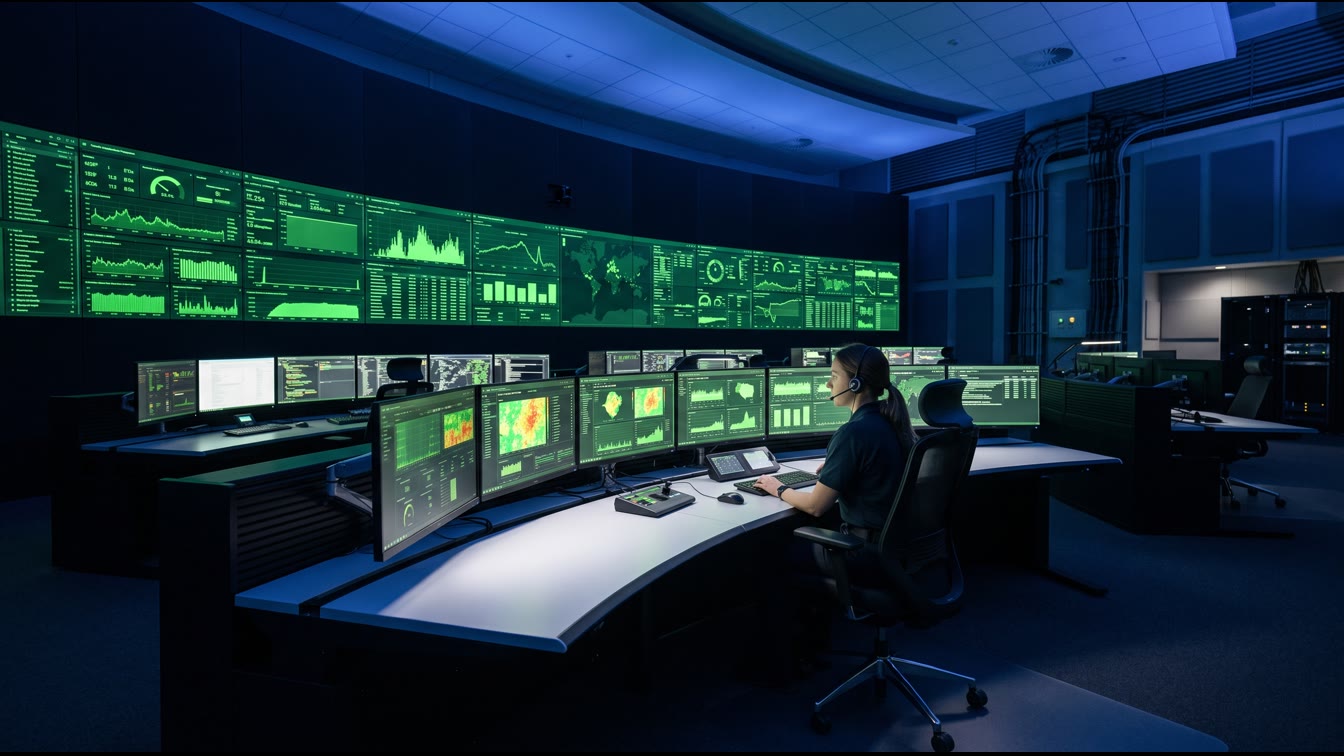
TL;DR: GoHighLevel's July 2026 release added schedule triggers and appointment triggers to Super Agents, plus citations for verification and expanded Agent Co-Pilot channel management. Translation: your CRM can now run continuous, unattended watch cycles instead of waiting for a human to remember to check something. The verdict: this is a real system upgrade, not a feature dump, but only if you configure the schedule triggers with the same discipline you'd apply to an actual watch rotation. Most owners won't. That's the gap this article closes.
HighLevel's own product team broke down these releases on their weekly Release Radar show, and the July 6-10 episode is worth watching end to end if you run any part of your business through GoHighLevel. Buried in a rapid-fire list of releases, alongside WordPress plugin updates and billing receipts nobody asked about, are two changes that actually matter for operators: Super Agents can now run on a schedule, and Super Agents can now trigger off appointment events. Everything else in that release is furniture. These two are structural.
What a Watchstander Actually Does
On a submarine, watchstanding is not a metaphor for paying attention. It's a formal role with a formal handoff procedure. Every critical system on the boat, the reactor, the sonar, the helm, has someone assigned to monitor it continuously, on a fixed rotation, with a documented log of every reading, every anomaly, every action taken. Nobody watches a panel because they feel like it that day. The watch runs whether the watchstander is having a good shift or a bad one, because the system doesn't care about your mood. It cares about continuous coverage.
Your CRM is your engine room. It's where the vital signs of your business actually live: who booked, who canceled, who ghosted, who's about to churn, who needs a follow-up they're not going to get unless someone or something remembers to send it. Most owner-operated businesses run that engine room the way an untrained crew runs a boat with no watch bill. Somebody checks it when they think of it. Leads go cold because nobody was looking. Follow-ups get skipped because the person who was supposed to send them got pulled into something else. That's not a process. That's hoping.
Schedule Triggers: Putting a Clock on the Watch
The scheduler trigger for Super Agents does something simple and overdue: it lets an agent run on a fixed clock, daily or weekly, without needing a human to kick it off or a contact to enroll it. This is a contactless, time-based trigger built for exactly the kind of recurring operational work that used to fall through the cracks. Daily pipeline summaries. Weekly performance recaps sent to your inbox or Slack. Nightly data hygiene passes that flag stale leads before they rot for another week.
This matters because most CRM automation up to now was reactive. A contact does something, a workflow fires. That's useful, but it only covers events that actually happen. It says nothing about the events that should happen and didn't. A lead that should have gotten a follow-up three days ago but sits untouched generates zero triggers, because nothing happened. The scheduler trigger flips that. It runs on the clock, not on the event, which means it can catch the silence, the gap, the thing that isn't happening but should be. That's the entire discipline of watchstanding in one sentence: you're not just responding to alarms, you're actively checking for the absence of the expected signal.
Set it up wrong and you get noise. A schedule trigger firing daily with no filter just spams your team with reports nobody reads. Set it up right, tied to specific pipeline stages, specific dead-lead thresholds, specific performance benchmarks, and you've got a genuine early-warning system running in the background of a business that used to have none. We cover the broader build-out of this kind of unattended operations layer in our piece on building an audit trail into your CRM automations.
Appointment Triggers: Watching the Thing That Actually Moves Revenue
The second big change is appointment triggers for Super Agents, meaning agents can now fire automatically off calendar events like no-shows and confirmations, not just off forms or tags. For a service business, this is closer to the actual pulse of the operation than almost anything else in the CRM. A booked appointment that turns into a no-show is a specific, quantifiable revenue leak. A confirmed appointment that never gets a reminder is a preventable no-show waiting to happen.
GoHighLevel's own documentation on appointment status triggers lays out the mechanics: workflows can filter by event type, by status change, by calendar, and by who modified the appointment, whether that's the customer, a staff member, the API, or another workflow. The filtering options are genuinely granular, which matters because a blunt trigger that fires on every appointment status change without discrimination will bury your team in duplicate follow-ups.
Now push that logic into a Super Agent instead of a static workflow. A static workflow sends the same reminder text every time. A Super Agent triggered off the same event can read the contact's history, adjust tone based on how many times they've rescheduled, and decide in real time whether this is a save-the-appointment message or a this-client-needs-a-phone-call escalation. That's the difference between a tripwire and a watchstander. A tripwire just fires. A watchstander evaluates, then acts, the same distinction covered in GoHighLevel's full list of workflow triggers.
Citations: The Log Entry That Makes the Watch Auditable
Every watch log on a submarine gets checked. Not because anyone assumes the watchstander lied, but because verification is the whole point of a log. An entry nobody can check is worthless the moment something goes wrong and you need to know exactly what happened and when. GoHighLevel added citations to Super Agents in this same release cycle, giving you a way to trace back what an agent said or did to the source it pulled from.
This closes a real gap that GoHighLevel's own audit log infrastructure has been building toward for a while now. AI agents that generate answers without a traceable source are a liability in any regulated or reputation-sensitive business. A prospect asks your AI agent a pricing question, the agent answers confidently, and if that answer is wrong, you have no way to know where the error came from unless you can trace the citation back to its source. Citations turn a black box into something closer to an audit log. That's not a nice-to-have feature. That's the minimum bar for letting an AI system represent your business unsupervised. For a deeper look at how audit-grade automation should be structured for a small operation, see our guide on AI agent governance for owner-operators.
Co-Pilot and the Jira Line: Watching the Watchers
The same release cycle expanded Agent Co-Pilot's channel management, including a notable update where the bot's voice gets built directly from your real conversation history instead of a generic script. That's a meaningful shift. A bot that sounds like a template is instantly identifiable as a bot. A bot trained on your actual conversation history, your actual tone, your actual way of handling objections, holds up better under real customer scrutiny.
The Jira integration point matters for a different reason: it's about accountability for the tool itself, not just the customer-facing output. When your automation stack ties into a ticketing system like Jira, every bug, every misfire, every edge case an agent handles badly gets a paper trail instead of disappearing into a Slack message nobody follows up on. Watchstanding doctrine on a boat includes a rule that every anomaly gets logged and every logged anomaly gets a resolution before the next watch relief, the same principle behind how Jira Service Management structures its own audit logs for integrations. An automation stack with no ticketing discipline behind it is a watch with no logbook. Things go wrong and nobody remembers why, which means nobody fixes the actual root cause, which means the same failure repeats next month.
The Operator's Verdict
Here's where I land on this release, and I've run enough marketing operations for owner-operators to know the difference between a headline feature and a structural one. Schedule triggers and appointment triggers are structural. They move Super Agents from reactive tools that wait for something to happen into standing watch that actively checks whether something should have happened and didn't. That is a genuine upgrade in what a CRM can do for a business with $500K to $5M in revenue and no dedicated ops team.
Citations and the Jira tie-in are the accountability layer underneath that watch, and they matter more than most owners will initially appreciate. A watch without a verifiable log is just an assumption that everything's fine. A watch with citations and a ticketing trail is an actual system you can inspect, audit, and improve over time. For more on what "systems beat slogans" looks like in practice for a service business, see our breakdown on CRM systems versus CRM tools.
None of this fixes a business that hasn't defined what it wants its watch to catch. I've seen owners turn on every trigger GoHighLevel offers and drown their team in alerts nobody reads, which is worse than having no automation at all, because now everyone's trained to ignore the alarm. A watch bill on a submarine is written with intention: this station, this frequency, this escalation path, this handoff procedure. Your CRM deserves the same discipline. Configure two or three high-value schedule triggers tied to real revenue leaks, no-shows, dead leads sitting past a threshold, pipeline stages stalled too long, and let the Super Agent run those tight instead of turning on everything at once.
What I'd Actually Set Up First
If I were standing up this system for a client tomorrow, I'd start with three things and nothing else in week one. First, a daily schedule trigger that surfaces any lead untouched for more than 48 hours, because that's the silent leak that costs more revenue than almost anything else in a small sales operation. Second, an appointment trigger tuned specifically to no-shows, with an escalation path that shifts from an automated text to a human phone call after the second miss. Third, citations turned on for any customer-facing agent handling pricing or scheduling questions, because that's the exposure point where a wrong answer costs you a customer or a reputation hit.
Everything else, the Co-Pilot voice training, the Jira integration, the activity feed for internal review, comes after those three are running clean and the team trusts what the system is telling them. Build the watch in layers. That's how it works on a boat, and it's how it should work in a CRM.
Frequently Asked Questions
Q: Do I need a developer to set up Super Agent schedule triggers?
No. Schedule triggers are configured inside the GoHighLevel workflow builder using a standard interval selector, daily, weekly, monthly, or a cron-style pattern for more complex timing. The harder part isn't the setup. It's deciding which triggers actually matter for your business instead of turning on everything the platform offers.
Q: Will appointment triggers work with my existing booking calendar?
Yes, as long as your appointments run through GoHighLevel's calendar system. The triggers filter by event type, appointment status, specific calendar, and calendar group, so you can scope the automation to a single service line if you run multiple calendars without cross-contaminating your other workflows.
Q: What's the actual risk if I turn on citations for a customer-facing agent?
The risk isn't in turning citations on. The risk is not having them. Citations give you a traceable record of where an AI-generated answer came from, which matters the moment a customer disputes what your agent told them. Skipping this step is the equivalent of standing a watch with no logbook.
Q: How is a schedule trigger different from a regular workflow automation?
A regular workflow fires when something happens: a form gets submitted, a tag gets added, a contact books. A schedule trigger fires on a clock, independent of any single event, which means it can catch things that should have happened and didn't, like a lead going cold with zero activity. That's the difference between a tripwire and a standing watch.
Jeff Barnes is the founder of Digital Evolution Marketing Group (DEMG). This article reflects operational experience, not investment advice. Results vary by market, execution, and business model. Do your own due diligence.