
The 20–30% Leak You Cannot Afford
A service business that misses a phone call loses the lead. Period.
The average service business misses 20–30% of inbound calls. Your competition sends them straight to voicemail. The customer waits. They call someone else. You never knew they existed.
Here is the kicker: the fix costs zero dollars and takes 45 minutes to build.
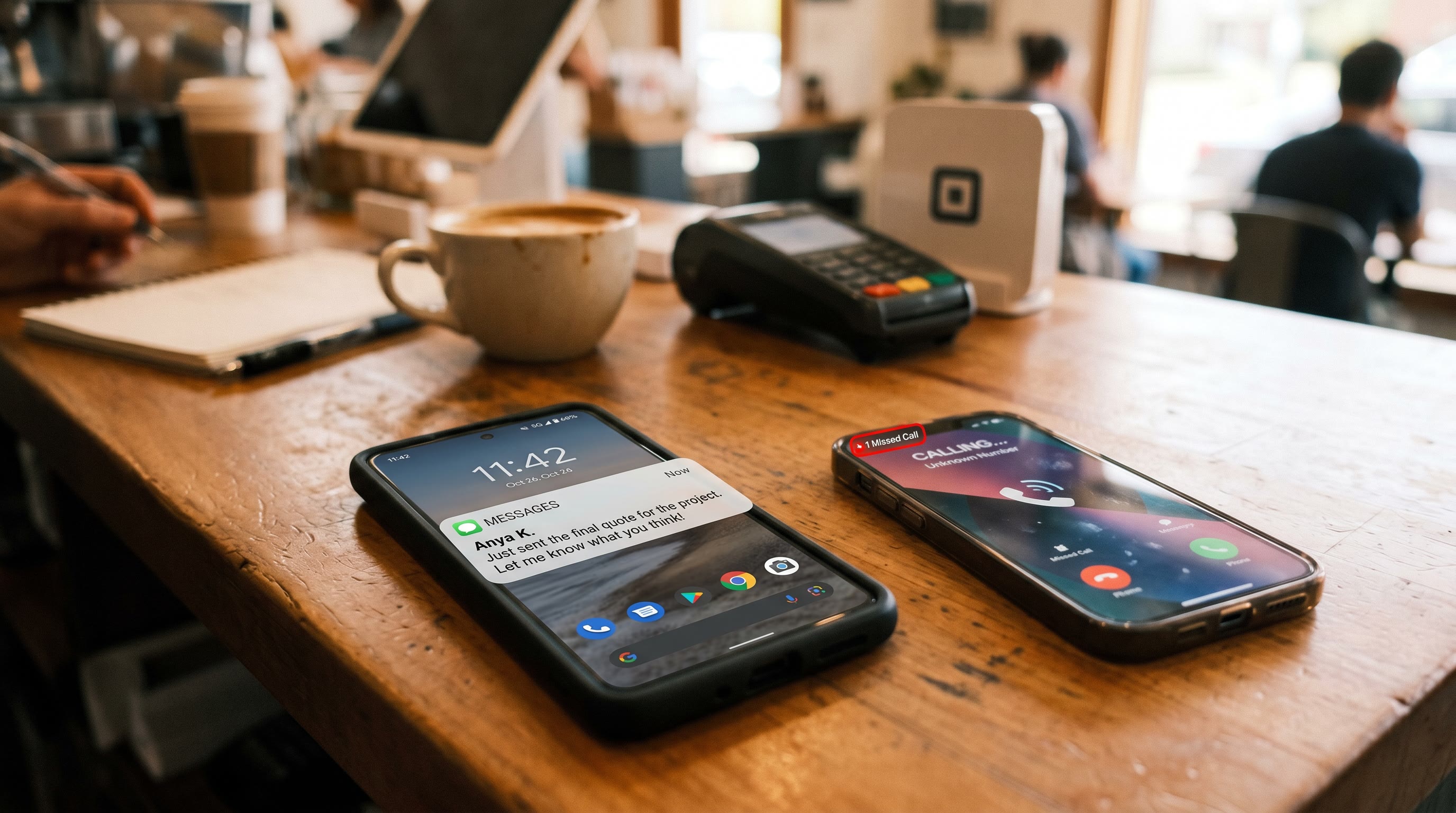
When a call goes missed, GoHighLevel can fire an SMS within 60 seconds. The message is simple: "Sorry I missed your call. How can I help?" That text converts at 3–5 times the rate of a voicemail callback because it meets the customer where they live: their phone.
This is not theory. SMS open rates hit 98%. Email sits at 20%. Speed-to-lead research from InsideSales.com shows that responding within 5 minutes is 21 times more effective than responding after 30 minutes. Your automation does the responding.
The Math Before We Build
Service businesses that automate follow-up outperform by 40% or more. No new ad spend. No new hire. Just a system that does not sleep.
Think about what happens today. A call rings through. Your team is with another client. The phone goes silent. An hour later, someone calls back. The prospect has already hired another plumber. Another electrician. Another HVAC company.
Now think about this: the missed call triggers a text. Sixty seconds. No staff involvement. The customer sees a human message, not a bot notification, and replies. That reply becomes a lead in your CRM. You follow up when you are ready, not when the customer has already moved on.
The booking double-rate I have watched happen with this single automation is remarkable. Not from paid ads. Not from rebranding. From a system that does not miss.
Step-by-Step: Build It in 45 Minutes
You need a GoHighLevel account with Twilio integration. If you do not have that, set it up first. The setup itself takes 10 minutes.
Step 1: Set Up a GHL Phone Number (Twilio Integration)
Log into GoHighLevel. Go to Settings > Phone. Select Twilio. Buy a local or toll-free number in your service area. Link it to your GHL account. This number sends your missed-call texts.
Time: 5 minutes.
Step 2: Create the Workflow Trigger
Go to Automations > Workflows. Create a new workflow. Set the trigger to "Incoming Call" with a condition: "Call Status = Missed." This filter ensures the workflow only fires for calls you do not answer.
GHL tracks call status automatically. You do not need to do anything special. The moment the call goes unanswered, the trigger activates.
Time: 5 minutes.
Step 3: Add a Wait Step
Insert a Wait action. Set the duration to 1 minute. Why? This gives the call system time to process and prevents duplicate sends. It also gives you a natural delay before the text lands. It feels less robotic if it does not arrive the instant the call ends.
Time: 3 minutes.
Step 4: Add the SMS Action
Add an SMS action to your workflow. Here is a sample template:
"Sorry I missed your call. I would love to help. What brings you in today?"
Keep it short. Keep it personal. Avoid all-caps. Use the customer's first name if GHL has it: "Hi [Contact.FirstName], sorry I missed your call. How can I help?"
Personalization lifts engagement. The text feels human. It converts better. You can use GHL's dynamic fields: [Contact.FirstName], [Contact.Phone], [Contact.CompanyName]. The system populates them from your contacts database.
Time: 5 minutes.
Step 5: Add Internal Notification
Add a notification step that alerts you when the SMS goes out. Send this notification to your phone or email. You will see the missed call and the text you just sent. If a customer replies before you call them back, you already have context.
Time: 3 minutes.
Step 6: Set Up a Conditional Reply
This is the gold-touch: if the customer replies to the text, create a new opportunity in your GHL pipeline automatically.
Add a Condition step: "If Contact replies to SMS." When true, create an Opportunity with these fields:
- Title: "[Contact.FirstName] replied to missed call"
- Status: "New Lead"
- Owner: [Your name or assigned rep]
- Phone: [Contact.Phone]
- Service type: [You set this based on tags or manual selection]
This move gets the lead into your sales workflow immediately. No manual data entry. No lost context. The lead sits in your pipeline waiting for follow-up.
Time: 10 minutes.
Step 7: Test With a Real Missed Call
Publish the workflow. Call your business number from another phone. Let it ring. Do not answer. Wait 90 seconds.
You should receive an SMS on the contact phone number. Check your internal notification. Verify the text arrived and the timestamp is correct.
Text back a reply. Watch the opportunity appear in your pipeline. If everything works, you have just recovered a lead that would have been lost.
Time: 5 minutes.
Total build time: 36–45 minutes. This is not a sprint. You are building an asset.
Why This Converts
Speed kills hesitation. Your customer called you for a reason. They need help now. When you respond within a minute, you are the fastest option they have called. The plumber across town responds in two hours. You responded in 60 seconds.
SMS is the channel people actually use. Voicemail is a ghost protocol. Young customers do not listen to voicemails. They read texts. Older customers do both, but they prefer texts. A text says: "I see you. I hear you. Let's talk now."
The automation removes friction for your team. No one has to remember to call back. No one has to dig through their call log. The system does the first touch. Your team does the close.
The Dangerous Assumption
Most service business owners believe their missed calls are rare. They are not. Call tracking data and phone logs tell the real story. The average is 20–30% across roofing, plumbing, electrical, HVAC, and home services.
The second dangerous assumption: customers will wait. They will not. The first contractor to respond wins. The missed-call text-back is proof you are awake.
One More Thing: The Internal Cascade
When you set up the internal notification, also set up a Slack integration if your team uses Slack. The moment a missed call text goes out, a message lands in your #sales or #leads channel. Your team sees it in real time. No delays. No email backlog.
This transforms the notification from awareness into action.
Doctrine Connection: Systems Beat Slogans
You can train your team to call back faster. You can remind them to follow up. You can motivate them with competitions. But systems do not forget. Systems do not sleep. Systems do not depend on someone having a good day.
A system that fires 60 seconds after a missed call is a system that works whether your team is present or not. It is not motivational speaking. It is not a policy. It is a machine. And machines are honest.
This is what separates the operator-independent businesses from the ones that die when the founder takes a vacation.
FAQ
Q: What if the customer is calling after hours?
The workflow fires regardless of the time. The SMS arrives at 11 PM or 5 AM. Many service businesses actually prefer this because customers are more likely to reply to a text than to call back during business hours. You respond the next morning and the lead is already warm.
Q: Can I customize the SMS message per service type?
Yes. Use conditional branches in your workflow. If the contact has a "Plumbing" tag, send one message. If they have "Electrical," send another. GHL allows unlimited conditions, so you can dial in the language for each service line.
Q: What if the customer does not reply?
The workflow ends. No follow-up is automatic. However, some operators add a second wait step of 24 hours and send a follow-up: "Did you get a chance to review? I am here to help." The reply-to-opportunity conditional ensures that engaged customers become leads immediately.
Q: Does this work with Twilio only?
GHL supports multiple phone integrations. Twilio is the most common and reliable. If you already use a different provider, check GHL's integration marketplace. The workflow setup is identical regardless of which phone system you use.
Q: How much does this cost?
GHL charges a base platform fee of $97–$297 per month depending on plan. SMS costs approximately $0.01–$0.03 per outbound message. Twilio phone numbers are roughly $1 per number per month. For a service business sending 50 missed-call texts per month, the SMS cost is negligible. Less than $2.
What Comes Next
Once this automation is live and converting, you have built the foundation for a larger system. A follow-up automation can fire 48 hours later if the customer has not replied. An SMS nurture sequence can send educational content about your services. A booking link can be embedded in the initial SMS.
But do not get ahead of yourself. Build the missed-call text-back first. Get it converting at 3–5x rate. Then add layers.
The businesses that win in service are the ones that do not lose leads to silence. The ones that move first. The ones with systems that work while everyone else is sleeping.
You now have the blueprint. The clock is running. Time to build.
External Sources
- GoHighLevel Automations for Agencies . Automation best practices and workflow patterns
- Ultimate Guide to Using GoHighLevel . Platform feature overview and setup
- Workflow Automation Examples for Agencies . Official GHL examples
- GoHighLevel Tactics and Workflows . Advanced automation scenarios
- GoHighLevel CRM Automation Strategies . Strategic implementation guidance