
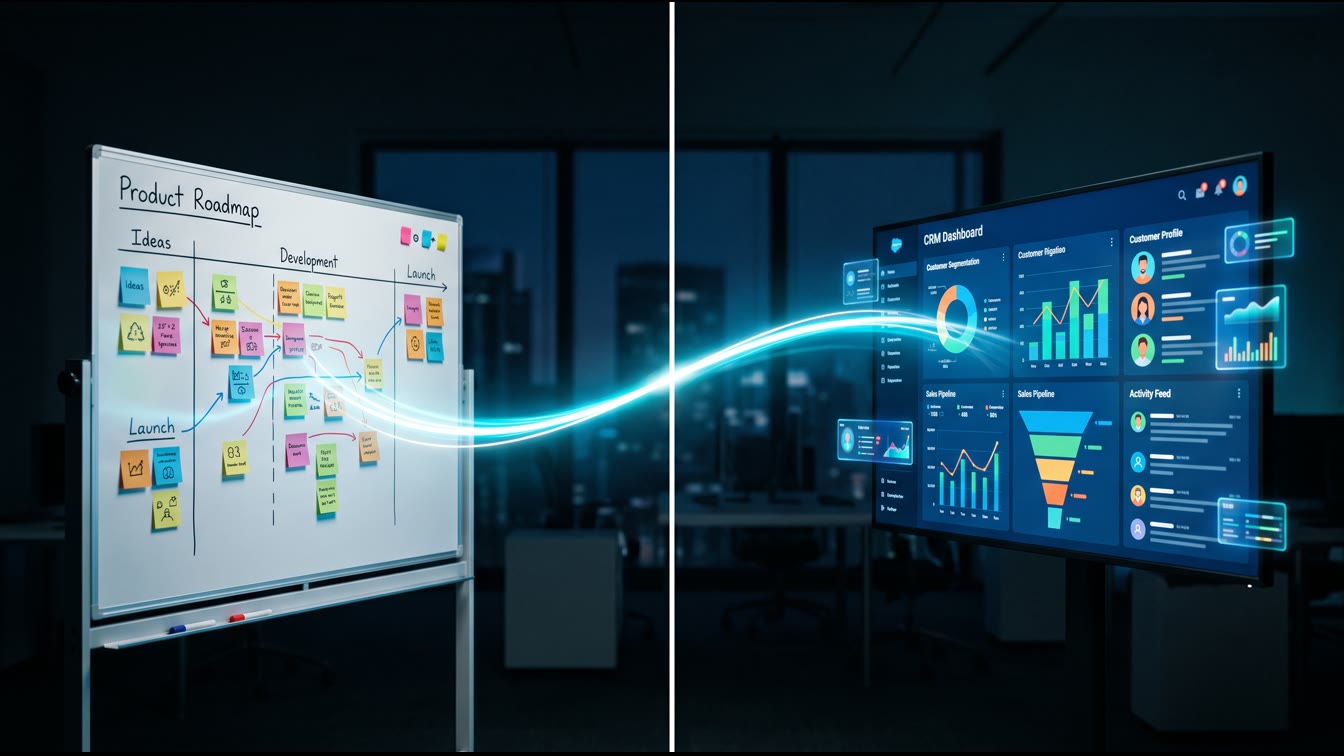
HighLevel covered the Jira integration in its most recent Release Radar walkthrough, and it's the kind of release that looks small in a changelog and large in a churn report. Two triggers. Eleven actions. OAuth connection to your Atlassian account. That's the entire feature list. What it enables is the thing that actually matters: your product roadmap and your customer success operation can now run off the same event stream.
I ran a reactor plant before I ran a marketing shop. On a submarine, damage control doesn't wait for someone to walk to the control room and report a casualty verbally. Sensors trigger alarms. Alarms trigger the drill. The drill assigns roles automatically, based on what failed and where. Nobody stands around waiting for a status update to get relayed by word of mouth. That's the entire point of the drill: the response starts the instant the event happens, not the instant someone remembers to mention it.
Most B2B SaaS companies run customer success the old way: word of mouth. Engineering resolves a blocker. Someone posts it in Slack. A CSM sees the message, eventually, if they're in that channel, if they're not in a client call, if they scroll back far enough. Multiply that gap across a hundred open tickets and you get the actual mechanism of silent churn: the fix shipped, and the customer never found out, so the customer's perception of your reliability never improved even though your product did.
What Actually Shipped
According to HighLevel's own changelog, the Jira integration in Workflows introduced two triggers on the Jira side: New Issue and Updated Issue, both filterable by project, issue type, and status. On the action side, GHL can create issues, update issues, add comments, add watchers, add attachments, log work, link issues, and move issues to a sprint, all from inside a GHL workflow. Authentication runs through OAuth with a Cloud Site selector, so one connected Atlassian account can target the correct Jira Cloud site even if your team has access to more than one.
The mechanism that matters most for customer success: an Updated Issue trigger filtered to status equals Done, chained to a Find Contact action, chained to a Send Message action. An engineer flips a ticket to Done in Jira. Within minutes, GHL matches that issue back to the contact or contacts who reported it, and sends a resolution notification with the fix summary. No CSM has to remember. No standup has to surface it. The system does what the drill does: closes the loop the instant the triggering event fires.
The Real Use Case: Auto-Tagging Affected Contacts on Blocker Resolution
Here's the build that pays for itself in the first month. You have a high-priority blocker in Jira, tagged to a specific feature or module. Multiple customers have reported it, through support tickets, through your CRM, through comments on the original Jira issue itself, over the preceding weeks. Today, when engineering ships the fix, someone has to remember which customers are affected, look them up individually, and notify them one at a time, or send a broad announcement to everyone and let the unaffected 90% ignore it.
The workflow: tag the Jira issue with a customer reference field, whether that's a support ticket ID or an account ID, every time a new customer reports the same blocker via a comment. GHL's Comment Added trigger catches each new comment, extracts the reference, and tags the matching contact record with the issue key. That's the compartmentalization step. Every affected account gets isolated and marked the instant they report the problem, the same way a casualty gets contained to one compartment before it spreads to the rest of the boat.
When the issue flips to Done, the Updated Issue trigger fires. GHL pulls every contact tagged with that issue key, not a broad customer list, only the accounts that actually hit the blocker, and sends a targeted resolution message: what broke, what we fixed, what to do next if it recurs. The customers who never hit the bug never get the email. The customers who did get proof, automatically, that the thing they complained about got fixed. That is the single highest-use trust-building message a SaaS company can send, and most companies never send it, because sending it manually doesn't scale past a dozen tickets a month.
Why the Alignment Number Is 30%
The churn number isn't a marketing claim. Research on customer success benchmarks compiled by Gitnux's 2026 customer success industry statistics shows cross-functional alignment between customer success and product present in 76% of the most efficient CS organizations, with predictive and proactive alignment models cutting churn 10% to 18% on top of baseline improvements. ChurnZero's Customer Revenue Leadership Study found that the presence of core roles like customer success managers and support functions correlates with net revenue retention as high as 98%, versus 90% in their absence, a gap that compounds every renewal cycle you leave it unaddressed.
Gainsight's guide to product-driven customer success names the exact failure mode this workflow fixes: CSMs forced to become “CSM of the Gaps,” patching over the fact that product and CS run on separate data with separate priorities and no shared event stream. When product owns the release and CS owns the relationship, and neither system talks to the other, the customer experiences the gap as broken trust, even when the underlying bug got fixed in record time. Research on retention-linked incentive design published by ReWork's library on CS-product alignment found that only 18% of product manager compensation plans include any post-shipment retention metric at mid-market SaaS companies, meaning the incentive gap and the data gap are the same gap, wearing two different names.
An automated Jira-to-GHL trigger doesn't fix incentive design. It fixes the data gap, which is the half of the problem you can solve this week instead of next fiscal year.
Building the Drill: Step by Step
- Connect Jira to GHL. In Workflow Builder, add any Jira trigger, click Connect Your Account, enter a friendly name like “Engineering Jira,” and complete the Atlassian OAuth flow. Select the correct Cloud Site if your team has access to more than one.
- Build the intake workflow. Trigger: Comment Added or New Issue, filtered to your bug-tracking project. Action: parse the comment or issue description for a customer or ticket reference. Action: Find Contact in GHL by that reference. Action: Add Tag with the Jira issue key.
- Build the resolution workflow. Trigger: Updated Issue, filtered to status equals Done and priority equals High or Critical. Action: Find all contacts tagged with the matching issue key. Action: Send Message with a templated resolution notice, referencing the fix summary pulled from the issue.
- Close the loop back to engineering. Optional but valuable: add a workflow that posts a comment back to the Jira issue counting how many contacts were notified, so product can see the actual customer-facing blast radius of every fix, not just the ticket count.
This is the entire architecture. It is not clever. It's the manual, applied to a problem most companies solve with hope and Slack scrollback. Set it up once, and every future blocker resolution runs the drill automatically, the same way a casualty response runs the same way every time regardless of which watch is on duty.
The Reverse Signal: Letting Customer Complaints Create Jira Issues
Most teams build this integration in one direction only: engineering ships, CS gets notified. The higher-value build runs the compartment the other way. When a GHL workflow detects a pattern, say, three or more support tickets tagged with the same complaint category inside a rolling seven-day window, it can fire the Create Issue action and open a new Jira ticket automatically, pre-populated with the customer count, the account names, and the total ARR at risk. That single number, ARR at risk, is what gets a blocker prioritized over a nice-to-have feature request. Engineering teams triage by severity and reproducibility. They rarely triage by dollars, because nobody hands them the dollar figure at the moment they're deciding what to build next. GHL can hand them that figure automatically, attached to the ticket, every time.
This closes the second half of the loop the drill analogy demands. Damage control doesn't just respond to casualties. It also feeds a log back to the officer of the watch, so the next casualty gets caught earlier and prioritized correctly. A product team that only hears about customer pain secondhand, through a CSM's summary in a quarterly business review, is operating three steps behind a team that sees the ARR-weighted complaint volume the moment it crosses a threshold. Add a Watch Issue action so your Head of Product automatically gets notified the instant a ticket crosses the ARR threshold you set, and the entire product-CS boundary stops depending on someone remembering to escalate.
The ROI Case, Briefly
You're not buying a Jira integration. You're buying the removal of a manual handoff step that currently depends on a human remembering to do it, every single time, forever. That's not a system. That's a hope. Systems beat slogans because systems execute identically at 2am on a Saturday and 10am on a Tuesday. A CSM's memory does not. If proactive product-CS alignment moves net revenue retention from roughly 90% to roughly 98%, on a book of business doing $2M in ARR, that eight-point spread is $160,000 a year, recurring, compounding every renewal cycle after that. The Jira trigger costs you an afternoon of setup. Run the math for your own ARR and see where you land.
FAQ
Do I need a paid Jira plan to connect it to GoHighLevel?
You need a Jira Cloud site with API access, which is available on Jira's standard cloud plans. The integration authenticates through OAuth against your Atlassian account, so whatever plan supports OAuth app connections will work.
How fast does the trigger fire after a Jira issue is updated?
HighLevel's own documentation of the release describes the resolution-notification pattern firing within about five minutes of the status change in Jira. That's fast enough for same-day customer communication on any blocker resolved during business hours.
Can this replace my customer success team?
No. It replaces the manual relay step between engineering and CS, not the relationship work CS does with accounts. Think of it as removing radio static, not removing the watchstander.
What if multiple Jira projects feed different product lines?
Build separate workflows filtered by project key. The Cloud Site selector and per-trigger project filters exist specifically so multi-product teams can route each project's events to the right customer segment instead of one firehose workflow.
Is this worth building if we're a five-person startup?
Yes, arguably more so. At five people you don't have the headcount to manually relay every fix to every affected account. The automation does the job an extra CSM hire would otherwise need to do.
Disclosure: This article describes a native integration released by GoHighLevel in July 2026, based on publicly available product documentation and the HighLevel Release Radar video. Feature availability and behavior may change; verify current functionality in your GoHighLevel account before building production workflows.
Jeff Barnes is the founder of Digital Evolution Marketing Group (DEMG). This article reflects operational experience, not investment advice. Results vary by market, execution, and business model. Do your own due diligence.