
Google's May 2026 Core Update Changed the Rules. Here's Your 3-Point Audit.
If your site fails even one Core Web Vital, Google now penalizes all three. According to Google's May 2026 Core Update documentation, that is the blunt reality of the May 2026 core update. LCP, INP, and CLS are scored as a composite. One weak metric drags the entire assessment into the red. Run this three-point audit in a single sitting. No developer required.
As of June 2026, only 55.9% of tracked origins pass all three Core Web Vitals. Mobile is worse: roughly 48% of mobile sites pass. Since 60%+ of your traffic arrives on mobile, that gap is a direct revenue leak. If you have not run PageSpeed Insights in the past 90 days, you are operating on stale assumptions.
What the Composite Score Actually Means
Google evaluates Core Web Vitals at the 75th percentile of real user sessions. All three metrics must hit "Good" simultaneously. Pass two out of three and your URL status is set by the failing metric — not the average.
The thresholds:
- LCP (Largest Contentful Paint): 2.5 seconds or less
- INP (Interaction to Next Paint): 200 milliseconds or less
- CLS (Cumulative Layout Shift): 0.1 or less
Under the old model, a strong LCP could partially offset a mediocre CLS. That offset is gone. One failing signal is now a compound liability on the balance sheet of your organic rankings.
Sites passing all three Core Web Vitals thresholds see 24% lower bounce rates and measurably stronger organic positioning versus near-identical competitors. The 91% of pages ranking in position 1 pass all three metrics. Only 47% of pages on page two pass all three. That gap is not coincidence.
The Engine Room Principle
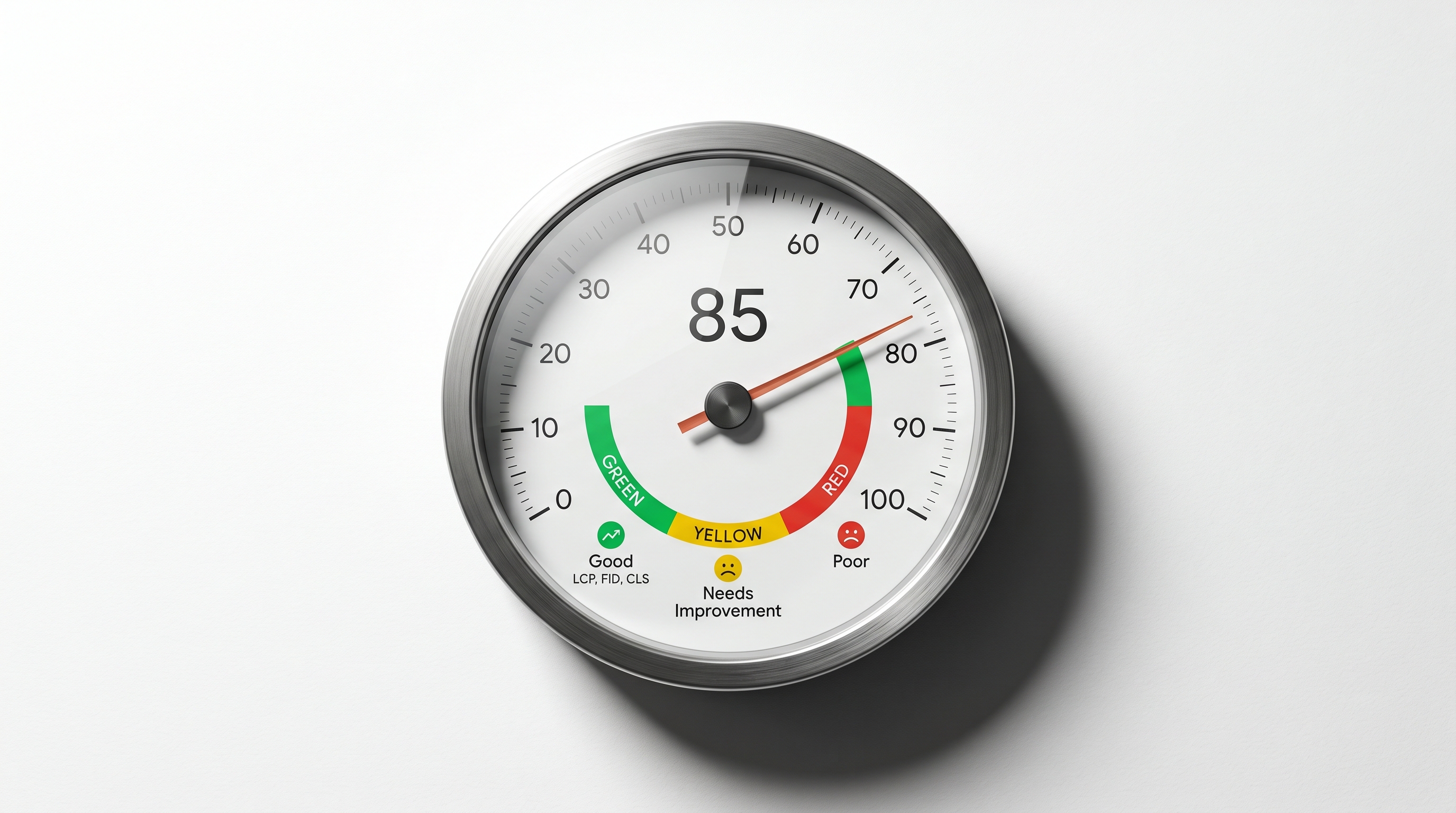
In the Navy, I stood watch in a propulsion plant with dozens of gauges across multiple systems. One gauge running hot — say, lube oil temperature. did not stay isolated. Ignore it, and you triggered a cascade: oil pressure drops, bearings heat up, plant goes offline. The whole ship loses propulsion because one reading went unaddressed. The chief's standing doctrine was simple: one gauge in the red means the whole system is compromised until you prove otherwise.
Core Web Vitals work on the same principle. Your site's three signals are a single system. Google reads the weakest metric and assigns that reading to the entire URL group. A perfect INP and a clean CLS score cannot rescue a failing LCP. The plant is down until you fix the hot gauge.
Why INP Is Now Your Biggest Risk
INP replaced FID (First Input Delay) as a Core Web Vital in March 2024. Two years later, it remains the least-understood metric on the panel. 43% of sites still fail the 200ms threshold, making INP the most commonly failed Core Web Vital entering 2026.
LCP has a 68.6% global pass rate. CLS sits at 81.3%. INP leads at 86.6%. but that aggregate number masks sites where heavy JavaScript execution is silently destroying interactivity scores. If your site runs third-party scripts (chat widgets, ad tags, analytics libraries, cookie consent tools), INP is where your problem lives.
The composite scoring model means an INP failure is no longer a back-burner item. It penalizes your entire CWV assessment by association. A 250ms INP on a page where LCP and CLS are both clean still produces a "Needs Improvement" assessment for the whole URL group.
The 3-Point Audit: Run It in PageSpeed Insights
Open PageSpeed Insights. Enter your homepage URL. Run the report. Then run it again on your highest-traffic landing page. often a service page, a product page, or a key blog post rather than the homepage. These two reports take under ten minutes and give you the composite score for your most commercially important URLs.
Point 1: Read the Field Data, Not the Lab Score
PageSpeed Insights shows two sections. The top section is field data pulled from Chrome UX Report (CrUX). The bottom section is lab data from Lighthouse. Lab data is a diagnostic tool. Field data is what Google uses for ranking.
Founders routinely fixate on the Lighthouse performance score (the circular number out of 100). That number is not what determines your ranking signal. The field data section. the bar charts showing real-user LCP, INP, and CLS. is the only section that matters for SEO.
Focus exclusively on the field data section. Each metric shows a color: green (Good), orange (Needs Improvement), or red (Poor). Record all three values and their status. If any metric shows orange or red, that is your starting point.
Your benchmark targets with buffer:
- LCP: aim for 2.0 seconds. not just under 2.5
- INP: aim for 160ms. not just under 200ms
- CLS: aim for 0.08. not just under 0.1
Build in a 20% buffer. CrUX data reflects a 28-day rolling window. A borderline pass today can become a fail next month if performance degrades at all. a new plugin, a new ad tag, a new embed. Give yourself room.
Point 2: Identify the Single Fix That Moves the Composite Score Fastest
Do not try to fix everything at once. That is ego-driven work, not process-driven work. The 90-Day Bottleneck Audit framework is explicit on this point: identify the one constraint dragging the system and resolve it before touching anything else. Speed optimization is not an exception.
Use the Opportunities section in PageSpeed Insights to surface your highest-impact fix. Each opportunity shows an estimated time savings in seconds or milliseconds. Sort by that number. The top item is your bottleneck.
Common high-use fixes by metric:
*LCP. Loading Performance:* Slow LCP is almost always a server response problem or an unoptimized hero image. Start with the image: convert to WebP format, add `fetchpriority="high"` to the LCP element's HTML tag, and preload it in the document head with a `` tag. If server response time (TTFB) exceeds 600ms in the Diagnostics section, your hosting is the bottleneck and CDN configuration is the fix.
*INP. Interactivity:* High INP is almost always caused by JavaScript blocking the main thread during user interactions. Find and defer non-critical third-party scripts. On WordPress, deactivate plugins one at a time and retest after each. one bloated plugin frequently accounts for 80% or more of INP debt. On custom-built sites, use the Lighthouse trace to identify which JavaScript function is executing during user events.
*CLS. Visual Stability:* Layout shift is caused by content that loads without reserved dimensions. The fix is straightforward: add explicit `width` and `height` attributes to every image and video. Set a fixed height for every ad slot, embed, or late-loading widget. CLS is typically the fastest metric to fix and the highest-percentage pass rate globally (81.3%). meaning most founders fail it unnecessarily.
Fix the worst metric first. One resolved bottleneck frequently pulls the composite score across the "Good" threshold for all three. That is the compounding return on focused work: fix the constraint, and the system improves across every gauge.
Point 3: Audit Mobile Separately and Prioritize It
PageSpeed Insights defaults to mobile analysis. Keep it there. Desktop scores are not what Google evaluates for the majority of your traffic.
Switch to the Desktop tab after your mobile audit and note the score difference. If desktop passes and mobile fails, the problem is almost always render-blocking resources and unoptimized images served at full resolution. Mobile connections are slower, and every extra kilobyte compounds the LCP penalty.
Mobile now accounts for 62% of all eCommerce traffic. For most service businesses and content sites, 60-70% of sessions are mobile. The CrUX data that feeds your Search Console and PageSpeed Insights field reports is dominated by mobile sessions. Fixing desktop first and ignoring mobile is fixing the wrong gauge.
Mobile-specific checklist:
- Hero image is WebP format and under 150KB
- No render-blocking scripts in the document head
- No layout shifts from late-loading ads, embeds, or font swaps
- Server response time (TTFB) under 600ms at 4G connection speed
- Largest element on the page is identified and preloaded
If your site uses a page builder (Elementor, Divi, Wix, Squarespace), run the audit on the live published URL rather than the builder preview. Page builders frequently add render-blocking assets in production that do not appear in preview mode.
The 90-Day Return Horizon
Fixes go live. The 28-day CrUX window begins updating. Rankings shift. The return on a Core Web Vitals audit is not instant. it is a 60-to-90-day compounding asset on your organic traffic balance sheet.
Set a calendar reminder four weeks after deploying fixes. Return to PageSpeed Insights and check field data. If the metric moved into "Good," you will see the change reflected in Search Console's Core Web Vitals report. Organic traffic impact typically follows two to four weeks after the CrUX window registers the improvement.
That is the math: one 90-minute audit, fixes deployed in a week, paying back in 90 days and compounding beyond. Sites that resolved failing CWV metrics in 2025 saw an average 12% increase in organic traffic within the measurement window. For a site doing $50,000 a month in revenue from organic, a 12% lift is $6,000 per month. from a 90-minute audit.
Pages with LCP above 3 seconds experience 23% more traffic loss than faster competitors with similar content when Core Web Vitals act as a tiebreaker. That is not a theoretical risk. It is a documented outcome from sites analyzed post-update.
What to Do When Field Data Is Unavailable
Some low-traffic URLs do not have enough CrUX data to show field metrics in PageSpeed Insights. Google requires a minimum threshold of real-user sessions before it reports field data. If you see "The Chrome User Experience Report does not have sufficient real-world speed data for this page," use the lab data for diagnostic guidance, then cross-reference your domain-level field data in Search Console.
Search Console's Core Web Vitals report groups URLs by performance and uses field data from similar pages to fill gaps. Review the URL groups listed as "Poor" or "Needs Improvement". these are your priority targets regardless of individual URL traffic volume.
Doctrine Connection
"Process beats ego." Running a Core Web Vitals audit is not glamorous. It does not require an agency, a developer on day one, or a site redesign. It requires a systematic read of three numbers and a commitment to fixing the worst one first. Founders who run this process quarterly outrank competitors who redesign sites but never measure what drives the ranking signal. The process is the asset. Build it. Run it. Document the results. Repeat.
The 90-Day Bottleneck Audit: Applied to Site Speed
The framework maps cleanly here. Step one: measure the system (run PageSpeed Insights on your top five URLs). Step two: identify the constraint (find the failing or borderline metric across those URLs). Step three: resolve only the constraint (fix that one metric, starting with the highest-traffic URL). Step four: re-measure after the CrUX window updates. Repeat the cycle quarterly.
Do not optimize INP if LCP is the failing metric. Do not rebuild the site if layout shift is the only problem. Resolve the bottleneck. Let the system breathe. Then measure again.
Benchmarks Reference
| Metric | Good | Needs Improvement | Poor | |--------|------|-------------------|------| | LCP | 2.5s or less | 2.5s to 4.0s | Above 4.0s | | INP | 200ms or less | 200ms to 500ms | Above 500ms | | CLS | 0.1 or less | 0.1 to 0.25 | Above 0.25 |
Global pass rate (all three, May 2026 CrUX): 55.9%. Mobile pass rate: approximately 48%. Desktop pass rate: approximately 56%.
Recommended buffer targets: LCP under 2.0s, INP under 160ms, CLS under 0.08.
FAQ
Q: Do I need a developer to run this audit? A: No. PageSpeed Insights requires only a URL. Reading the field data and identifying opportunities is a no-code process. Some fixes. image optimization, adding HTML attributes, converting to WebP. can be handled without developer access through most CMS platforms. Fixes requiring server-level changes (CDN configuration, TTFB reduction) will need developer involvement.
Q: How long until I see ranking improvements after fixing Core Web Vitals? A: CrUX data uses a 28-day rolling window. Expect four to six weeks before field data reflects your fix. Ranking changes typically follow two to four weeks after that. Build a 60-to-90-day timeline into your expectations and do not revert changes out of impatience.
Q: Does the composite score mean one bad metric cancels the other two? A: Yes, for the purpose of your CWV assessment. Google's Search Console assigns a URL the status of its worst-performing metric. A "Poor" CLS rating means the entire URL group is rated "Poor," even if LCP and INP are clean.
Q: My PageSpeed lab score is 90 or above. Why does field data show failures? A: Lab data simulates a controlled load from a fast connection. Field data reflects actual users on real devices across variable networks. Most mobile users are on mid-range Android devices over inconsistent connections. Lab scores and field scores frequently diverge on sites with third-party scripts or dynamic content.
Q: Should I prioritize LCP, INP, or CLS first? A: Fix the metric Google's field data currently rates as "Poor" first. If none are "Poor," fix whichever is closest to the "Needs Improvement" boundary. LCP is the most commonly failing metric and tends to have the clearest organic ranking correlation when improved. If all three are borderline, fix CLS first: it is typically the fastest to resolve and has the highest global pass rate, meaning the fix is well-documented and straightforward.
*Jeff Barnes is founder of DEMG.ai (Digital Evolution Marketing Group). He has no financial position in any company, tool, or platform named in this article. DEMG.ai provides marketing education and consulting services, not investment advice. Results described are illustrative and may not be typical.*