
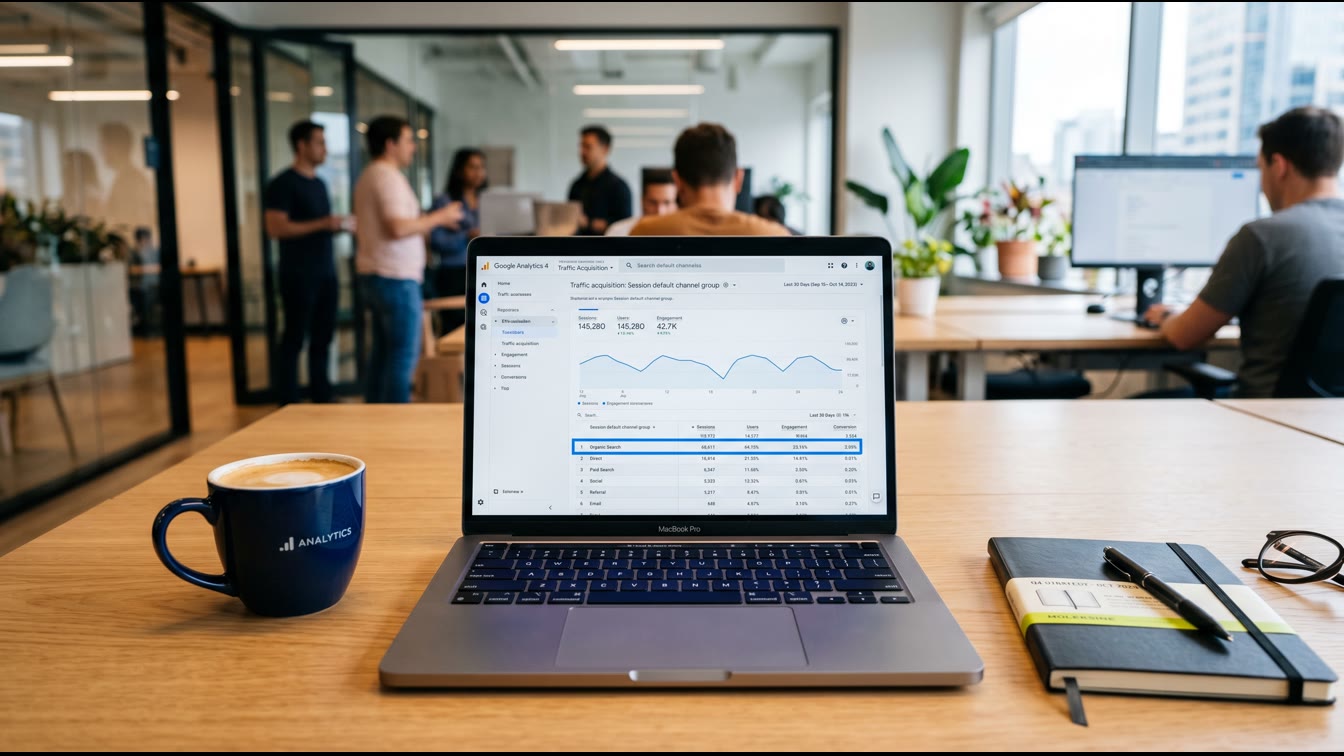
GA4 added a native AI Assistant channel on May 13, 2026. It automatically tags traffic from ChatGPT, Claude, and Gemini with the medium `ai-assistant` and files it as its own channel. You configure nothing. The problem: between 60% and 70% of actual AI referral sessions arrive without a referrer header and land silently in Direct. The native channel is a start. It is not a system. If you run your Q3 board deck off default GA4 reports, you are optimizing against incomplete intelligence.
Why This Matters More for B2B SaaS Than for Anyone Else
AI referral traffic converting at 15.9% is not a rounding error. That figure comes from Seer Interactive's B2B client analysis, comparing ChatGPT referrals against Google Organic at 1.76%. Claude referrals carry the highest average session value at $4.56 per visit. Perplexity follows at $3.12. These are not vanity metrics. These are receipts.
For B2B SaaS specifically, 17% of all product discovery now happens through AI-generated answers — up from 4% the prior year. ChatGPT's share of B2B AI referrals sits around 63%. Claude holds approximately 18%. B2B buyers use Claude and Perplexity for longer research queries at higher rates than the general population. Your buyers are already in those tools. The question is whether you can see them when they arrive.
I've watched SaaS founders reallocate $40K/month in ad spend based on attribution data that was 30% wrong. That's not a rounding error. That's a casualty. The math only works if the data is real.
What GA4's Native AI Channel Actually Does (And Doesn't Do)
On May 13, 2026, Google added "AI Assistant" to GA4's Default Channel Group. Three dimensions update automatically when GA4 detects a recognized AI referrer: medium becomes `ai-assistant`, the channel group displays as "AI Assistant", and campaign receives the reserved label `(ai-assistant)`. You find it at Reports → Acquisition → Traffic Acquisition → Session Default Channel Group.
The channel is forward-only. It does not backfill historical data. Traffic that arrived before May 13 stays in Referral or Direct. Year-over-year comparisons will not include a full year of AI Assistant data until May 2027. Build your baseline now.
Here is what the native channel does not do. It does not capture Perplexity consistently — one of the highest-intent AI sources is not confirmed on Google's recognized-referrer list. It does not capture AI sessions without referrer headers, which is the majority of them. It does not separate Google AI Overviews clicks from standard organic . those land as Organic Search regardless. The Search Engine Journal analysis of the May 13 announcement confirmed Google has not published its full recognized-referrer list beyond the three named examples.
The 4-Step Setup: Build the System
Step 1: Annotate the Baseline Date
Open GA4, go to Admin → Annotations, and mark May 13, 2026. Write: "GA4 AI Assistant channel activated. Pre-this-date AI traffic is in Referral/Direct." Do this before you touch anything else. You need the historical context when you start pulling trends.
Step 2: Create a Custom Channel Group
The native channel is your floor. The custom channel group is your ceiling. Go to Admin → Data Display → Channel Groups → Create new channel group. Name it something clear . "AI-Aware Channel Group" works. Create a channel called AI Referral and set the source to match this regex pattern:
chatgpt\.com|chat\.openai\.com|perplexity\.ai|claude\.ai|gemini\.google\.com|copilot\.microsoft\.com|bard\.google\.com|deepseek\.com|you\.com|phind\.com|chat\.mistral\.ai
Critical: position AI Referral *above* Referral and Organic Search in the priority order. GA4 evaluates rules top-down. If AI Referral is not listed first, sessions fall into Referral and your system fails. This pattern from solvspot.com's 2026 attribution guide covers the platforms responsible for over 90% of measurable AI referral traffic as of mid-2026. Custom channel groups apply from the date you save them. They do not backfill.
Step 3: Configure Referral Exclusions
Self-referral pollution kills attribution clarity. Go to Admin → Data Streams → [your stream] → Configure Tag Settings → List Unwanted Referrals. Add your own domain. Add any subdomain running on a separate GA4 property. Add payment processors and OAuth redirect domains that break sessions mid-funnel . Stripe, PayPal, and identity providers are common culprits in SaaS stacks.
This is not optional. A broken session from a Stripe redirect looks like a new referral visit. That contaminates your source/medium data and inflates referral numbers. Fix the plumbing before you read the gauge.
Step 4: Build the Attribution Exploration
Go to Explore → Blank Exploration. Set dimensions to Session Source, Session Medium, Session Default Channel Group, and Landing Page. Add metrics: Sessions, Engaged Sessions, Conversions, Conversion Rate. Filter to the last 90 days. Save it as "AI Traffic Attribution" and share it with your team.
Add a secondary exploration segmented by your key conversion events . demo requests, trial signups, pricing page visits. This is where the math becomes operational. You want to know not just that ChatGPT sends 91% of AI referral traffic by volume (per Trakkr's June 2026 analysis of 1,429 GA4 properties), but which landing pages those sessions hit and whether they convert.
The Claude Problem: Known Gap, Known Workaround
Claude's citation links frequently carry `rel="noreferrer"` or strip the referrer header entirely. The result: Claude-driven traffic lands as Direct in GA4. There is no native fix in 2026. Claude does not add UTM parameters to citation links.
The partial workaround: monitor your Direct traffic for quality signals . session duration, pages per session, conversion rate. If your Direct traffic quality metrics are rising while volume holds flat, you may be seeing Claude-influenced sessions that GA4 cannot label. That is a hypothesis worth tracking. Document it as an assumption in your reporting, not a confirmed data point.
UTM Discipline: The Procedure That Protects Everything
AI traffic attribution is only as good as your overall UTM hygiene. If your team sends email campaigns without UTMs, GA4 files those sessions as Direct. Email-attributed sessions absorb into the same bucket where untracked AI sessions land. Now your Direct traffic is a blended mess of three different behaviors and you cannot read any of them clearly.
The procedure is simple. All outbound links get UTMs. All lowercase . GA4 is case-sensitive, and "Google" and "google" are two different sources in your reports. No UTMs on internal links. Pass UTM values through form submissions to your CRM so you can attribute closed revenue, not just website sessions. UTMStandard's 2026 B2B SaaS UTM guide recommends a consistent taxonomy that separates paid, organic, AI, email, and partner channels. Build the convention once. Enforce it as standing operating procedure.
The Numbers You Need in Your Q3 Board Deck
AI referral traffic reached 6.4% of traffic for B2B tech firms by January 2026, up 975% year-over-year. Across all industries, it sits around 1.08% of total website visits per Conductor's analysis of 3.3 billion sessions. Volume is not the point. Quality is the point.
Ahrefs reported that AI-driven visitors made up only 0.5% of their total traffic but accounted for 12.1% of all signups. That ratio is the data point your investors want to see. To surface it, you need attribution that actually works. Review your regex pattern quarterly. The AI search landscape moves fast. New platforms reach material traffic share within months of launch. If your channel group does not include them when they arrive, those sessions go to Referral and your system goes blind.
Doctrine Connection: Verification Beats Optimism
Every attribution setup is a claim. "Our best channel is organic search." "ChatGPT sends us qualified leads." "AI traffic is negligible for us right now." These are all claims. Claims require verification, not assumption.
GA4's native AI channel is optimistic infrastructure. It assumes sessions will arrive with clean referrer headers. Sixty to seventy percent do not. The custom channel group, the referral exclusions, the UTM discipline, the conversion exploration . that is the verification layer. That is the system that earns the right to make claims at the board level. Optimism says the new GA4 channel handles it. Verification says: check the Direct traffic bucket, build the backup regex, run the 90-day exploration, and then tell me what you actually know.
FAQ
Q: Do I still need a custom channel group now that GA4 has a native AI Assistant channel?
Yes. The native channel misses Perplexity, misses sessions without referrer headers, and does not have a published list of which AI platforms it covers. The custom channel group with regex is your verification layer. Run both in parallel.
Q: How far back does the AI Assistant channel apply in GA4?
It does not backfill. The channel went live May 13, 2026. Traffic before that date stays classified as Referral or Direct. Annotate the date in GA4 and do not mix pre- and post-configuration data in the same trend line.
Q: Why is so much of my AI traffic showing up as Direct?
Two reasons. First, many AI platforms strip referrer headers or use `rel="noreferrer"` on citation links . Claude is the most common example. Second, sessions from AI mobile apps often arrive without referrer data. Statcounter estimates 60-70% of AI sessions land as Direct. This is a structural measurement gap, not a GA4 configuration error.
Q: Should I be worried if I'm not seeing any AI traffic in GA4 yet?
Depends on your content. If you publish technical documentation, comparison pages, or category-defining thought leadership, you are likely being cited. If GA4 shows zero AI Assistant sessions after the May 13 rollout, check your custom channel group configuration first, then verify your property received broad availability . rollout reached most properties around June 7, 2026.
Q: How often should I update the regex pattern in my custom channel group?
Quarterly at minimum. Check your Referral source list monthly for new AI domains appearing in your data. When a new platform reaches material traffic share . Grok, Mistral, Meta AI . add it to the pattern before your next reporting cycle, not after.