
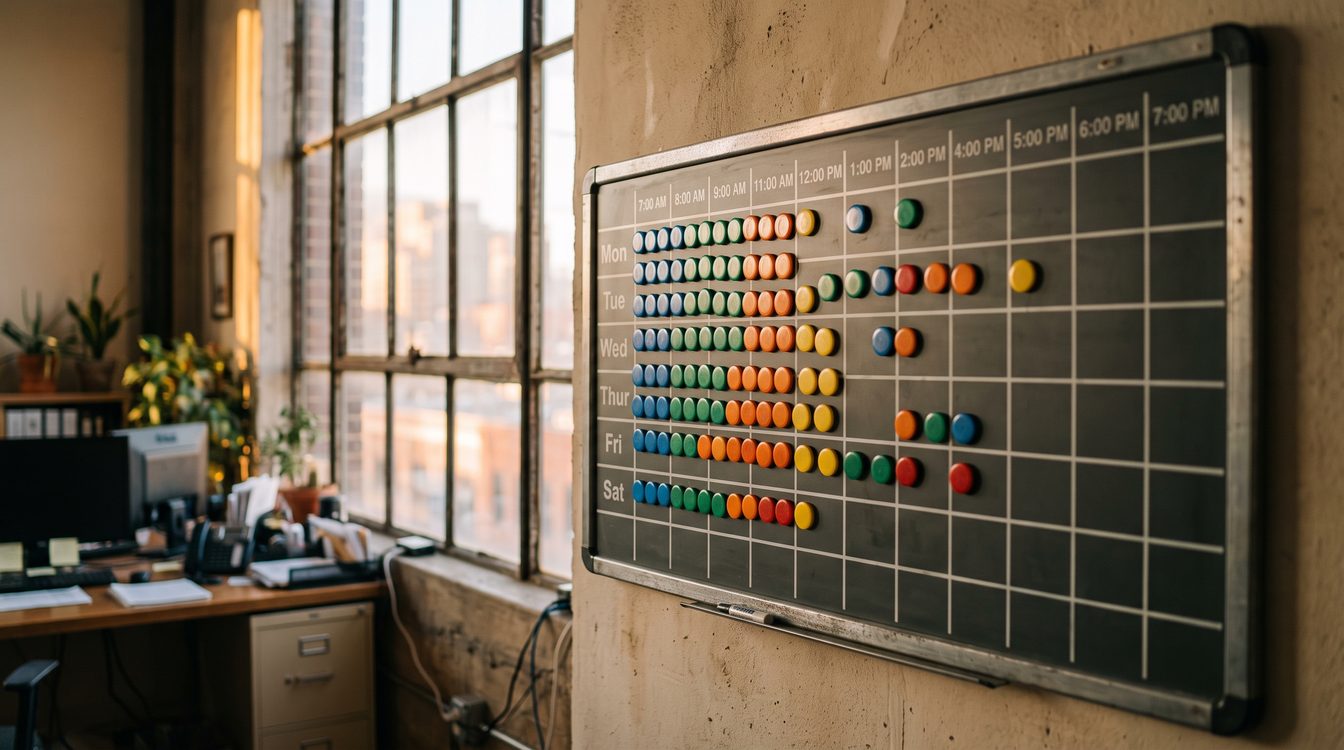
TL;DR
- Overstaffing quietly eats 5-10% of your labor costs every single season. Most owners never see the leak because it hides inside a "normal" payroll run.
- One HVAC contractor cut no-shows by 74% and recovered $8,400 a month using AI scheduling. Read the case study.
- AI-driven demand forecasting improves accuracy by 30-40% over gut-feel scheduling.
- DATA'S DNA is a six-step verification framework for staffing to forecast, not to hope.
- Tools you can deploy this quarter: Jobber, ServiceTitan, Housecall Pro. Pricing and setup steps below.
I spent years standing watch in the engine room of a fast-attack submarine. Down there, you don't guess. You verify. Reactor power, coolant flow, shaft RPM: every number gets cross-checked against a second instrument before anyone signs the log. If the two readings disagree, you don't average them and hope. You investigate. That habit followed me out of the Navy and into Angel Investors Network, where I helped raise more than a billion dollars in capital, and later into rooms with Dan Kennedy, who beat one lesson into every client: track the number or you're just telling stories. Service business owners tell themselves a story every single season. "Summer's always busy, so I'll hire four more techs." "Spring is slow, I'll cut hours." That's not a staffing plan. That's a guess wearing a suit.
The Casualty Drill You're Ignoring
On a submarine, you run casualty drills constantly. Fire in the engine room. Flooding in the torpedo room. Loss of propulsion. You drill until the response is automatic, because when the real casualty hits, there's no time to think, only to execute. Most service businesses never drill for their own seasonal casualty: the demand spike they didn't staff for, or the demand collapse they didn't shed payroll for fast enough. Both are casualties. Both cost real money. And both are preventable if you build the watchstanding habits before the crisis, not during it.
Here's the math nobody puts on a whiteboard. Overstaffing costs the average service business 5-10% of total labor costs. If your annual payroll runs $600,000, that's $30,000 to $60,000 a year bleeding out through idle hands, redundant shifts, and techs sitting in the truck waiting for a call that never comes. Understaffing costs you differently: missed jobs, angry customers, techs burning out and walking. Both failure modes come from the same root cause. You're staffing off a feeling instead of a forecast. Systems beat slogans. A checklist beats a hunch every time the stakes are real money.
DATA'S DNA: A Verification Framework for Staffing
I built this framework the same way I built pre-watch checklists in the Navy: strip out opinion, keep only what you can verify against a second source. Here's the acronym, and here's how you run it.
D: Define your historical data sources. Pull three years of call volume, job tickets, revenue by week, and weather data if you're HVAC or landscaping. If you've only got one year, use it, but flag every forecast as low-confidence until you've got more history. Your CRM, your dispatch software, and your accounting system are your instrument panel. If they don't talk to each other, that's casualty number one.
A: Audit data quality before you trust it. Bad sensor readings sink submarines. Bad data sinks forecasts. Check for gaps: canceled jobs marked as completed, techs logging hours against the wrong job type, holidays skewing your averages. You do not build a staffing plan on top of a corrupted ledger. Audit first. Forecast second.
T: Trend and seasonality mapping. Chart demand by week, not by month. Monthly buckets hide the exact week your call volume doubles. This is where AI forecasting tools earn their keep: AI-driven demand forecasting improves accuracy by 30-40% over manual, gut-feel scheduling, because the model catches week-over-week patterns a spreadsheet glance misses.
A: Assign staffing to forecast, not to hope. Once you've got a verified trend line, build your staffing calendar off it. Not off what you hired last June because you were slammed. Off what the data says is coming this June, adjusted for confirmed bookings already on the books. Hope is not a scheduling input.
S: Stress-test against casualty scenarios. What happens if a cold snap hits three weeks early? What if a competitor closes and you inherit their call volume overnight? Run the drill on paper before it happens in real life. Know which techs you can call in on 24 hours notice and which subcontractors are on standby. This is watchstanding for your P&L.
DNA: Drive, Notice, Adjust. Drive the plan for two weeks. Notice the variance between forecast and actual. Adjust the model. This is not a "set it and forget it" system. It's a living log, checked weekly, the same way you'd check a reactor log every watch. A forecast you never audit against reality isn't a forecast. It's a hope with a spreadsheet attached.
Proof This Isn't Theory
I worked with a home services client two winters back who was convinced his no-show problem was a "culture issue." His techs were fine. His scheduling was the casualty. He was double-booking based on which customer called loudest, not which slot the data said was actually open. We're not the only ones who've seen this pattern. One HVAC contractor implemented AI-driven scheduling and cut no-shows by 74%, recovering $8,400 a month in previously wasted technician time. That's not a rounding error. That's over $100,000 a year, recovered by fixing the scheduling engine room instead of blaming the crew.
The lesson generalizes past HVAC. Landscaping companies staffing for spring cleanup, plumbers bracing for the first freeze, pest control ramping for summer: the same casualty repeats. Owners staff off memory and adrenaline instead of a verified forecast. Then they act shocked when the labor line on the P&L doesn't compound the way the revenue line did.
Building the System: Tools and Tactics
You don't need a data science team to run DATA'S DNA. You need the right instrument panel and the discipline to check it every week. Here's the tactical build-out, ranked by what most seasonal service businesses actually use.
Jobber ($29-599/month) is the entry point for smaller shops. It handles scheduling, dispatch, and basic reporting well enough to start mapping seasonality by week one. If you're under 15 techs, start here.
Housecall Pro ($59-299/month) sits in a similar tier, with strong dispatch and customer communication tools that feed clean data back into your forecast. Good middle option if Jobber's reporting feels thin for your volume.
ServiceTitan ($250-498 per tech, per month) is built for larger operations that need real forecasting horsepower: multi-location data, deeper analytics, and integration with call tracking. It costs more because it's built for shops where a 5-10% labor miscalculation is a five- or six-figure problem, not a rounding error.
Pick the tool that matches your ticket volume, not your ego. A ten-truck landscaping company doesn't need ServiceTitan's full stack any more than a fast-attack sub needs an aircraft carrier's reactor. Match the asset to the mission.
Why Verification Beats Optimism
Every capital raise I ever worked on at Angel Investors Network came down to one gate: can you verify the number, or are you just optimistic about it? Investors don't fund optimism. They fund verified traction. Your staffing plan deserves the same discipline you'd apply to a pitch deck, because payroll is the largest controllable expense on your balance sheet, full stop. Treat your labor line like an asset you're actively managing for a return, not a cost you tolerate because "that's just how the season goes."
Dan Kennedy taught his students to measure everything and trust nothing until the number confirmed it twice. That's not cynicism. That's how you protect a business's compounding value over years instead of one good quarter. A staffing plan built on hope might get you through July. A staffing plan built on verified seasonality gets you through five Julys, with a payroll line that scales down as fast as it scales up, and a business that's actually acquirable at a real multiple because your margins don't swing 20% every season.
You have two paths this year. Keep staffing off memory, adrenaline, and the last customer who yelled the loudest. Or build the instrument panel, audit the readings, and staff to what the data confirms is coming. One path bleeds 5-10% of labor cost quietly, every season, forever. The other path recovers real dollars, the way that HVAC contractor recovered $8,400 a month by fixing the engine room instead of blaming the crew. Verification beats optimism. Every watch, every season, every year.
FAQ
How much historical data do I need before I can trust an AI forecast? Twelve months minimum, thirty-six months is better. One year gives you a rough seasonality shape. Three years lets the model separate a real trend from a one-off fluke, like a hurricane season or a competitor going out of business. If you've only got one year, run the forecast anyway, but treat it as a low-confidence estimate and audit it weekly against actuals until you've built up more history.
What's the fastest first step if I've never tracked seasonal data before? Pull twelve months of job tickets or call logs out of whatever system you're already using, even if it's just a shared spreadsheet. Chart call volume by week. That single chart will show you more truth about your seasonality than a year of gut instinct. Then pick one tool from Jobber, Housecall Pro, or ServiceTitan based on your tech count, and start feeding it clean data.
Do I still need to review the forecast manually, or can I just automate the whole thing? Automate the data collection. Never automate the trust. Review the forecast against actuals every week, the way you'd check a reactor log every watch. The "Drive, Notice, Adjust" step in DATA'S DNA exists specifically because no model stays accurate forever. Markets shift, competitors open and close, weather patterns change. A forecast you stop auditing is a forecast that's quietly going stale.
Disclosure
This article is for educational purposes only. It is not financial, legal, or professional staffing advice, and you should consult your own accountant, attorney, or operations advisor before making payroll or hiring decisions for your business. Tool names, pricing, and features referenced here (Jobber, Housecall Pro, ServiceTitan) were accurate as of this writing but change over time; verify current pricing directly with each vendor before you commit. Case study results and statistics cited are drawn from third-party sources linked above and reflect specific businesses under specific conditions. Your results will vary. I'm sharing what I've seen work in the engine room of real businesses, not guaranteeing an outcome for yours.