
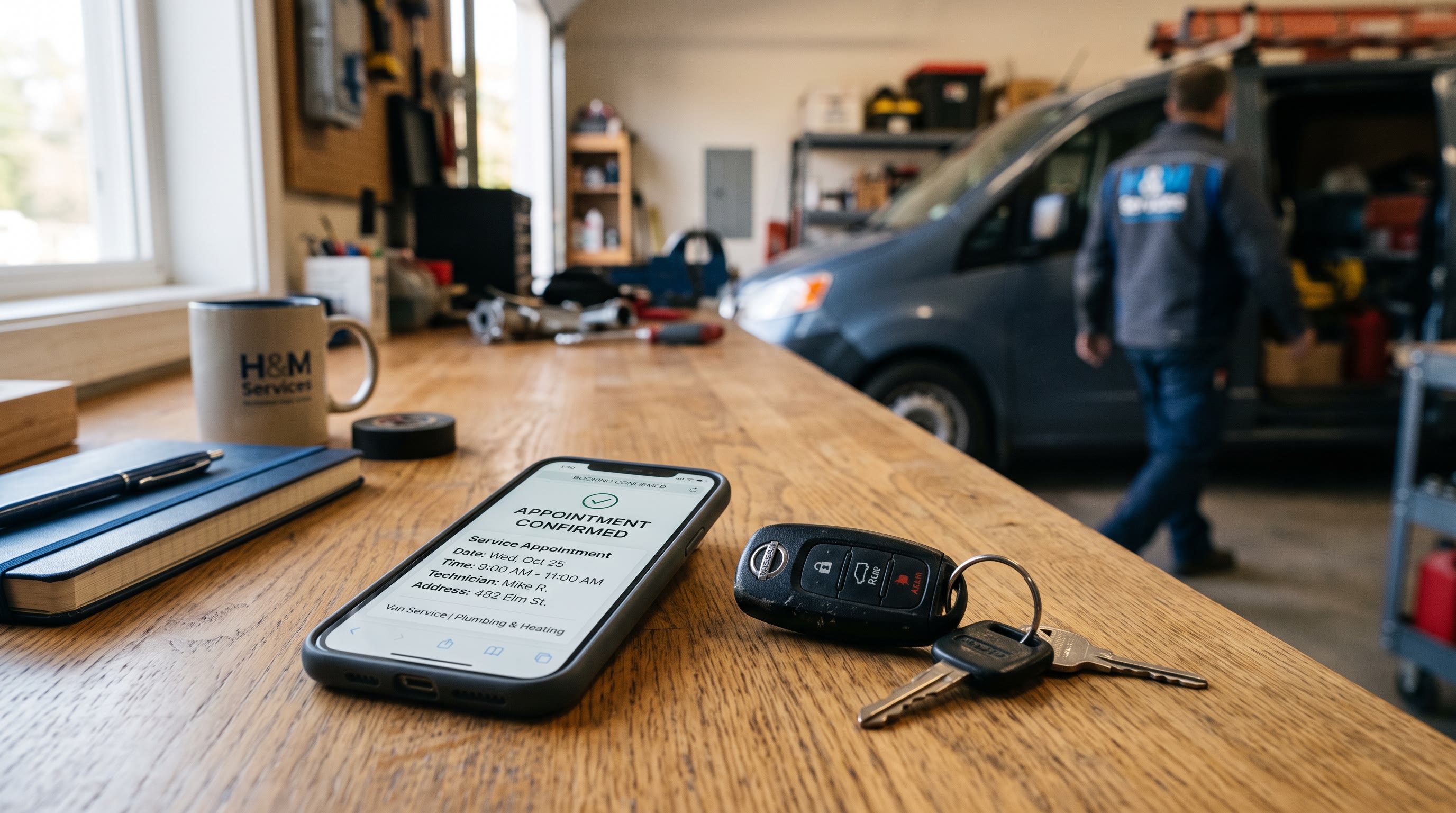
TL;DR: No-shows cost service businesses $150-$600 per missed appointment once you count the idle technician, the empty chair, and the admin time spent rebooking. A shop running 20 appointments a day at a 10-15% no-show rate is bleeding $450-$900 daily. Industry data shows a 24-hour SMS-plus-email confirmation sequence cuts no-shows by up to 40 percent, and adding a 2-hour "on the way" text catches another 25-30% of the stragglers (PipelineOn). This guide is the exact setup: tools, timing, copy, and the rebooking automation that fills the gap when someone cancels anyway.
I've built this same sequence probably fifteen times now for DEMG clients, plumbers, dentists, HVAC shops, one med spa that thought no-shows were just "part of the business." They're not. No-shows are a systems failure, and systems failures have systems fixes.
Here's the math that usually gets an owner's attention. If you're doing 20 appointments a day at a $250 average ticket and a 12% no-show rate, that's 2.4 no-shows a day. Multiply by an average loss of $200 per no-show (lost revenue plus wasted tech-and-truck time), and you're down $480 a day, or roughly $10,500 a month, or about $126,000 a year. That number is not an exaggeration. It's the low end of what benchmarking data shows across HVAC, plumbing, and dental practices (PipelineOn, DentalBase).
Here's the system that fixes it.
Why No-Shows Happen (And Why Most Owners Guess Wrong)
Most owners assume no-shows are a customer-quality problem. Flaky people, bad leads, whatever. The data says otherwise. Penn Medicine surveyed 186 patients who missed appointments and found the top reason, at 22%, was simply "I did not know I had an appointment" (NEJM Catalyst). Not malice. Not flakiness. A communication gap.
This is where Data's DNA framework earns its keep. It's a discipline for reading customer behavior signals before you guess at motive. A missed appointment isn't a personality trait, it's a data point. When you segment no-shows by lead source, appointment type, and how far out the booking was made, patterns show up fast. One Houston plumber pulled his Q1 dispatch logs and found his overall no-show rate was 11%, but his Google Ads new-customer bookings ran far higher, and his free-estimate visits from Yelp hit 22%. He didn't have a no-show problem. He had a free-estimate problem sitting inside an otherwise healthy business (PipelineOn).
Run that same DNA analysis before you build your reminder sequence. Pull your last 90 days of appointments. Tag each no-show by: lead source, appointment type (estimate vs. paid service), new customer vs. repeat, and days between booking and appointment date. You'll usually find 70% of your no-shows cluster in two or three segments. That tells you where to put deposits, where to add extra touchpoints, and where the standard sequence is already enough.
Step 1: Pick Your Tool
You have three real options. Don't overthink this part. The tool matters less than the sequence, but the wrong tool will waste your first month.
GoHighLevel (GHL). Best for businesses that want scheduling, CRM, and messaging in one system. Plans run $97-$297 a month, with SMS billed separately through Twilio at roughly $0.008 per message segment (HighLevel). GHL's workflow builder lets you build the full reminder sequence, confirmation logic, and rebooking flow without writing code. Most service businesses can get a working reminder funnel live in under 30 minutes (GoHighLevel Blog).
Twilio direct. Best if you already have a scheduling system (Acuity, ServiceTitan, Jobber, whatever) and just need the messaging layer, or if you're sending high volume and want granular control over delivery tracking. Twilio charges roughly $1-2/month per local number and about $0.008 per SMS segment (GHLMarketing). You'll need developer time or a Zapier bridge to connect it to your booking calendar.
Standalone reminder apps (SimpleTexting, EZ Texting, Acuity's built-in reminders). Best for solo operators who just need reminders sent and don't need a full CRM. Cheapest to start, weakest on rebooking automation.
Jeff's take: for a single-location service business under 500 appointments a month, GHL wins on time-to-launch. For a multi-truck HVAC company already living inside ServiceTitan, bolt Twilio onto what you have instead of migrating your whole operation.
One setup detail that trips up almost everyone: A2P 10DLC registration. This is the carrier-level registration required for business SMS to actually deliver in the US. Skip it and your texts get silently blocked even though your dashboard says "sent." Registration takes 1-3 weeks, so start it the day you buy your number, not the day before launch (GHLMarketing).
Step 2: The Timing Sequence
This is the part that actually moves the number. Four touchpoints, each doing a different job.
48 hours out: Email confirmation. Not urgent, just informational. Include the appointment date, time, technician or provider name, and a reschedule link. Email open rates run around 42% versus 98% for SMS (MMA data via GoHighLevel case study), so this touchpoint isn't your workhorse. It's your paper trail.
24 hours out: SMS confirmation with reply logic. This is the single most important message in the sequence. A 24-hour SMS-plus-email confirmation workflow reduces no-shows by up to 40%, and reply-to-confirm flows (where the customer texts back YES) push that closer to 60% in residential service businesses (PipelineOn). The message needs three things: what, when, and a one-word reply action.
2 hours out: "On the way" or "starting soon" text. This catches the person who confirmed yesterday and then genuinely forgot, or the customer who stepped out. A second SMS at the 2-hour mark catches another 25-30% of would-be no-shows on top of the 24-hour message (PipelineOn). For home services, this is also your "tech is en route" logistics message, so it's doing double duty.
No-response follow-up: Voice call or IVR. If a customer doesn't confirm by the 24-hour mark, don't just let it ride. A large-scale trial at Penn Medicine tested adding automated IVR calls on top of SMS reminders for 59,994 high-risk patients. The no-show rate dropped from 11.3% to 9.6%, and the effect was strongest for the highest-risk segment (NEJM Catalyst). You don't need a live human for this. An automated voice call that asks the customer to press 1 to confirm, 2 to reschedule, works fine for the segment that ignores text.
Step 3: The Copy Templates
Keep every message under 160 characters where possible. Carriers throttle longer messages, and customers skim.
48-hour email subject line: "Your appointment with [Business Name] is confirmed for [Date]"
24-hour SMS: "Hi [First Name], this is [Business Name] confirming your [Service] appointment tomorrow at [Time]. Reply YES to confirm or CALL [Phone] to reschedule."
2-hour SMS: "[First Name], your technician is on the way and should arrive by [Time]. Reply if you need to reach us."
No-response follow-up (IVR script, roughly 20 seconds): "Hi, this is an automated reminder from [Business Name] about your appointment tomorrow at [Time]. Press 1 to confirm, press 2 to reschedule, or press 0 to speak with our office."
Post-cancellation rebooking SMS (sent to waitlist the moment a slot opens): "A [Time] appointment just opened up on [Date] with [Business Name]. Reply YES to grab it, first come first served."
Notice what's missing from all five: no exclamation points, no "we can't wait to see you," no emoji. Customers respond to clarity, not enthusiasm. Save the friendly tone for the actual visit.
Step 4: Confirmation Logic and the Rebooking Automation
The sequence above handles reminders. The part most businesses skip is what happens after a cancellation, and that gap is where a lot of the recovered revenue actually lives.
Two-way texting, where customers can reply to cancel or reschedule instead of just receiving a one-way blast, lifts post-cancellation rebooking by 15% compared to outbound-only reminders (Twilio data, 2025). The mechanism is simple: the faster you know a slot is open, the faster you can fill it, and manual staff typically only refill about 15% of canceled slots because phone tag eats the window (Recupra).
Here's the automation logic to build:
- Customer replies CANCEL or RESCHEDULE to any reminder.
- Workflow tags the appointment as canceled and triggers a waitlist search filtered by service type and time window.
- System texts the top 3 waitlist candidates simultaneously: "A [Time] slot opened on [Date]. Reply YES to book."
- First reply wins the slot. The other two get an automatic "filled, but you're still on the list" message.
- If nobody responds within 15 minutes, the slot opens to general self-scheduling or gets flagged for staff outreach.
This exact pattern, detect the opening, notify the waitlist, book the first responder, is what's driving results in the healthcare vertical, where similar automations are filling canceled slots in about 12 minutes on average and recovering 30-36% of what would otherwise be dead time on the schedule (Recupra). There's no reason it works less well for a plumber than a physician. A time slot is a time slot.
The ROI Math, Worked Out
Take a mid-sized HVAC shop: 20 appointments a day, $350 average ticket, 12% no-show rate, 250 working days a year.
- No-shows per year: 20 x 0.12 x 250 = 600
- Cost per no-show (lost margin plus wasted truck roll): roughly $220
- Annual cost of no-shows before automation: 600 x $220 = $132,000
Now apply a conservative 30% reduction from the reminder sequence (the low end of the 30-45% range this piece opened with):
- No-shows avoided: 180
- Revenue recovered: 180 x $220 = $39,600 a year
Cost of the system: GHL subscription at roughly $200/month plus Twilio fees, call it $3,000 a year fully loaded, including setup time.
Net gain: roughly $36,600 a year, against a system that took one afternoon to build and runs itself after that. That's the pitch. Not "AI will transform your business." Just: this specific leak costs you six figures, and this specific fix plugs most of it.
Doctrine Connection: Systems Beat Slogans
Every service business owner has heard "we care about our customers" from a competitor's yard sign. Nobody's no-show rate ever dropped because of a slogan. It drops because someone built a sequence that fires the same way, at the same time, every single day, whether the front desk is slammed or short-staffed. That's the whole doctrine: systems beat slogans. A reminder sequence is not a marketing tactic. It's infrastructure. Build it once, and it protects revenue on the days you're too busy to think about it, which is exactly when you need it most.
FAQ
How long does it take to set up a reminder sequence like this? With GoHighLevel, the workflow itself takes under an hour to build. Budget 1-3 weeks total, though, because A2P 10DLC carrier registration (required for US business SMS) runs on that timeline regardless of how fast you build the workflow.
Do I need a deposit policy too, or is the reminder sequence enough? For most repeat customers, the sequence alone gets you most of the way. For new customers booked through low-commitment channels (Yelp estimates, cold ad clicks), a small deposit, often $79-$99, does more work than another text message. One contractor combined a deposit with a two-way texting sequence and dropped his blended no-show rate from 11% to 4% in 90 days.
Will customers get annoyed by three or four reminder messages? Rarely, if the messages are spaced and useful rather than repetitive. A 48-hour email, a 24-hour SMS, and a 2-hour "on the way" text serve three different purposes: paper trail, confirmation, and logistics. Opt-out rates on well-timed appointment reminders are low because the message is transactional, not promotional.
What's the difference between SMS reminders and a voice/IVR call? SMS gets a 98% open rate and works for most of your list. The IVR or voice call is for the segment that doesn't respond to text: older customers, people who don't check phones during work hours, or high-risk no-show segments you've identified through your own data. Layering both, as Penn Medicine's trial showed, catches more than either channel alone.
Can this same system fill a cancellation, not just prevent one? Yes, and that's the piece most businesses build last even though it's often the highest-ROI step. The moment a customer cancels or no-shows, an automated workflow can text your waitlist, book the first person to reply, and close the gap in minutes instead of leaving the slot empty for the rest of the day.
*Disclosure: Jeff Barnes is the founder of demg.ai and Digital Evolution Marketing Group. demg.ai has no commercial relationship with any company, platform, or tool named in this article unless explicitly stated. This content is educational and does not constitute business, legal, or financial advice. Results vary based on implementation, market conditions, and individual business circumstances.*