
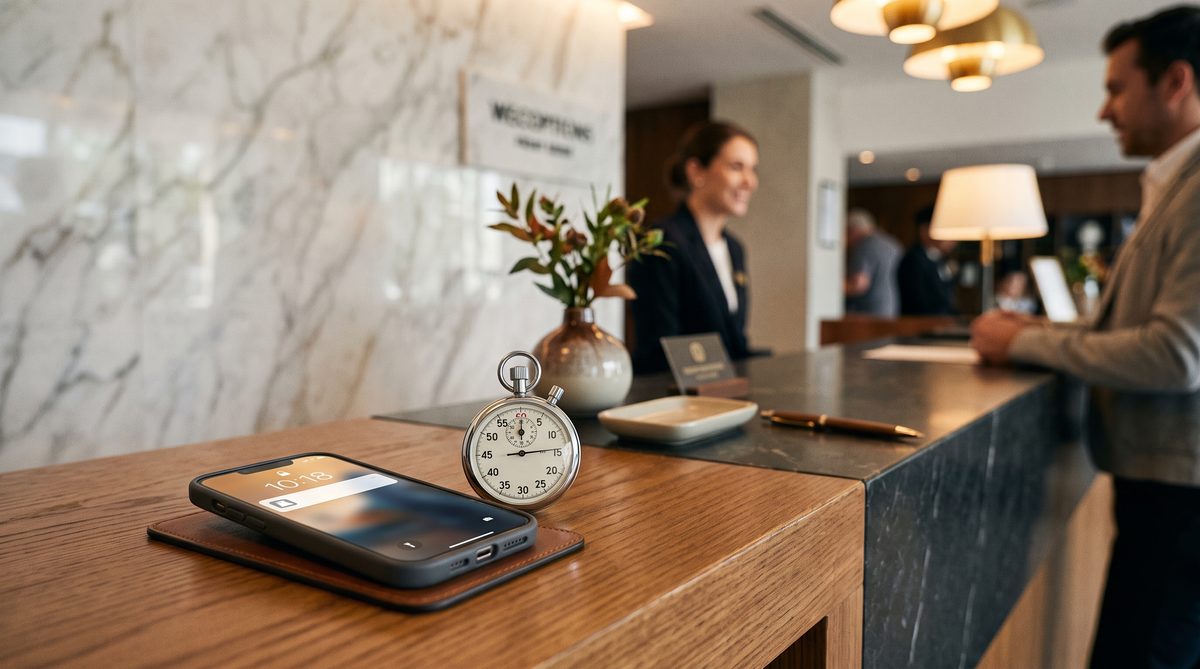
The 3-Minute Lead Response Rule: AI Appointment Setting for Service Businesses
A lead form submission is a signal flare. It goes up, burns bright for about five minutes, and then it's dark.
If you don't respond in that window, the lead doesn't wait. They fill out the next form. They call your competitor. They move on. You spent money to acquire that lead and you handed it to someone else for free.
The data is unambiguous. Leads contacted within five minutes are 21 times more likely to qualify than leads contacted after 30 minutes, according to research from InsideSales.com and Drift. [1] After that window closes, conversion rates don't just drop. They crater. Harvard Business Review analysis found that companies responding within an hour are seven times more likely to have a meaningful conversation with a decision-maker than those that wait longer. [2]
The average service business, HVAC, dental, legal, landscaping, cleaning, responds in 47 minutes. [3]
That is dead on arrival.
Why Service Businesses Get This Wrong
I spent nine years on submarines. When a casualty alarm sounds, you don't call a meeting. You don't check your calendar. You don't send an email saying you'll get back to it after lunch. The procedure is posted, drilled, and executed within seconds. Everyone on watch knows their role. The system runs without debate.
Your lead response process has to work the same way. When that form submits, the alarm sounds. The procedure either fires automatically or it doesn't. Right now, most service businesses are standing at the alarm panel saying, "Let me check who's available to respond to this."
That's not a people problem. That's a systems problem.
The reason HVAC companies, law firms, dental practices, and cleaning services respond in 47 minutes isn't laziness. It's that their lead response depends on a human being available, aware, and ready to act at the exact moment the lead arrives. That's a casualty drill where the crew doesn't know there's an alarm. It fails every time.
The fix is automation that executes the procedure the moment the signal arrives.
The 3-Minute Stack
Here's the exact sequence I recommend for service businesses running on a CRM like GoHighLevel or any system that supports webhook triggers.
Minute 0: Form submits, webhook fires.
The moment a lead hits your form, the CRM receives the data and the automation sequence starts. No human involved. No delay while someone notices the notification.
Under 60 seconds: AI SMS, first touch.
The message is simple and direct. "Hi [Name], this is [Business Name]. I saw you're looking for [service]. What day works best for a quick call?" That's it. Short. Personal. Asks one question. It arrives before the prospect has closed the tab.
Minute 2: AI email fires.
The email includes more context. A brief description of the service, two or three lines of social proof (reviews, years in business, a specific result), and a direct calendar booking link. The prospect can schedule without talking to anyone. Some of your best leads will book at 11 PM. Let them.
Minute 15: AI follow-up SMS if no response.
"Hey [Name], just wanted to make sure my earlier message came through. We're booking [service] appointments this week and have a few slots open. Want me to hold one for you?" This adds a soft urgency without being aggressive. Most people who didn't respond to the first SMS respond to this one.
Hour 2: Voicemail drop or AI voice call.
If there is still no response after two hours, a ringless voicemail drops or an AI voice agent calls with a brief, clear message. "Hi [Name], this is [rep name] from [Business]. I sent you a couple of texts earlier about [service]. Just wanted to make sure you got them. Give us a call at [number] or click the link in the email to grab a time. We'd love to help."
That's the full sequence. Five touches. Automated. No one on your team has to monitor a queue or remember to follow up.
The Math That Should Make This Non-Negotiable
Let's run the numbers on a straightforward service business scenario.
You get 100 leads per month. Right now, you close 5% of them. That's 5 jobs at a $2,000 average job value. $10,000 in revenue from those leads.
You move to a 3-minute response system. Based on the speed-to-lead research and benchmarks from platforms like Calldrip and ServiceTitan, you should expect to push your conversion rate to somewhere between 12% and 18%. [3] Call it conservative and say 12%.
That's 12 jobs instead of 5. Seven additional jobs at $2,000 each. $14,000 in additional monthly revenue from the same ad spend.
At the high end, 18% conversion, that's 13 additional jobs. $26,000 more per month.
The ROI on the automation stack, which typically runs $300 to $800 per month depending on your CRM and AI tooling, is not a close comparison. The payback period on that investment is measured in days, not months.
This is compounding. Every month you delay implementing this, you are choosing to hand leads to competitors. The asset you're building when you get this right is a response engine that works at 3 AM on a Sunday the same way it works at 2 PM on a Tuesday. That engine doesn't take vacations. It doesn't miss notifications. It fires every time.
What the AI Message Should and Shouldn't Do
The SMS at minute zero should not try to sell anything. Its only job is to acknowledge the lead and ask one question. One. The goal is a response, not a close.
The email at minute two can do more work. Include a headline result. "We've installed over 400 HVAC systems in [City] in the last three years." Or, "94% of our clients book a second cleaning within six months." Something specific. Specific beats vague every time.
Do not write AI messages that sound like AI messages. "Hello! Thank you for reaching out to us! We are excited to assist you with your needs!" That message gets ignored or deleted. Write it like a person with information sent it. First name only. Conversational. One clear call to action.
The calendar link in the email removes friction. A prospect who is browsing three service providers at 10 PM can book with you without waiting for business hours. The provider they can schedule with right now wins that booking. Make it easy to say yes at any hour.
What Good Looks Like After 90 Days
In the first 30 days, you're testing. You're watching which message in the sequence gets the highest response rate. You're tracking time-to-first-response against conversion rate by lead source. You're identifying where prospects are dropping off in the sequence.
In days 31 through 60, you're optimizing. You change the SMS copy. You test a different subject line on the email. You adjust the timing on the follow-up. You find the version that performs best for your specific market and service type.
By day 90, you have a machine. Response time is consistently under three minutes. Your team is only talking to prospects who have already engaged with the sequence. No one is manually chasing cold leads. The battle stations procedure fires automatically every time the alarm sounds.
At that point, you're not competing on speed with other service businesses anymore. You've already won that race. You compete on quality of service, which is where you should have been competing all along.
What This Requires From You
The technical side is not the hard part. GoHighLevel, HubSpot, ActiveCampaign, or any capable CRM can run this sequence. An AI SMS tool or a platform with native AI messaging handles the personalization. Setup time is typically one to two weeks.
The hard part is committing to the system and leaving it alone long enough to measure it.
Most owners get three days in, get one complaint from a prospect who said the outreach felt too fast, and turn the sequence off. That's the wrong call. One anecdotal complaint does not outweigh 21x better qualification odds. The data is the data. Trust the procedure.
You will also need to make sure your CRM is actually capturing form submissions in real time. If your form lives on a third-party landing page and it emails you leads instead of pushing them to your CRM via webhook, you have a gap. Fix that first. The fastest AI response system in the world does nothing if it's waiting on a delayed email notification to know a lead arrived.
FAQ
How quickly can I realistically implement this stack? If you're already on GoHighLevel or a similar CRM, one to two weeks. You need the webhook connected, the message templates written, the calendar integration active, and a test run completed. If you're starting from scratch on a CRM, budget 30 days.
Will leads find the fast response off-putting or intrusive? Some will. A small percentage. The research is consistent that most prospects, especially in home services and professional services, respond positively to fast contact. They filled out the form because they want help. Getting a message within a minute confirms they reached a real business that is on top of their work.
What if my service requires a more complex intake before I can quote? The first SMS doesn't have to quote anything. Its only job is to start the conversation. "What day works best for a quick call?" gets you a call where your team can do a full intake. The automation creates the conversation; your team runs it.
Do I need an AI voice agent for the two-hour step, or can I use ringless voicemail? Either works. Ringless voicemail drops are simpler to implement and cost less. AI voice agents handle responses if the prospect picks up. Start with ringless voicemail and upgrade to AI voice once you've validated the rest of the sequence.
What CRM do you recommend for service businesses running this stack? GoHighLevel is purpose-built for this use case. It handles webhooks, AI SMS, email sequences, calendar booking, and voicemail drops inside one platform. For larger operations, ServiceTitan or Housecall Pro offer deeper field operations features; you'd integrate a dedicated AI messaging layer on top.
The signal flare goes up. The window is five minutes.
You have a choice: build a system that fires in three, or keep hoping someone on your team notices the notification in time.
Systems beat slogans. Build the system.
Citations
[1] InsideSales.com and Drift, "Lead Response Management Study," widely cited across sales research literature. Original InsideSales research by Dr. James Oldroyd, MIT Sloan.
[2] Harvard Business Review, "The Short Life of Online Sales Leads," March 2011. Available at hbr.org.
[3] Calldrip and ServiceTitan industry benchmarks on average lead response time and conversion rates for home service businesses.