
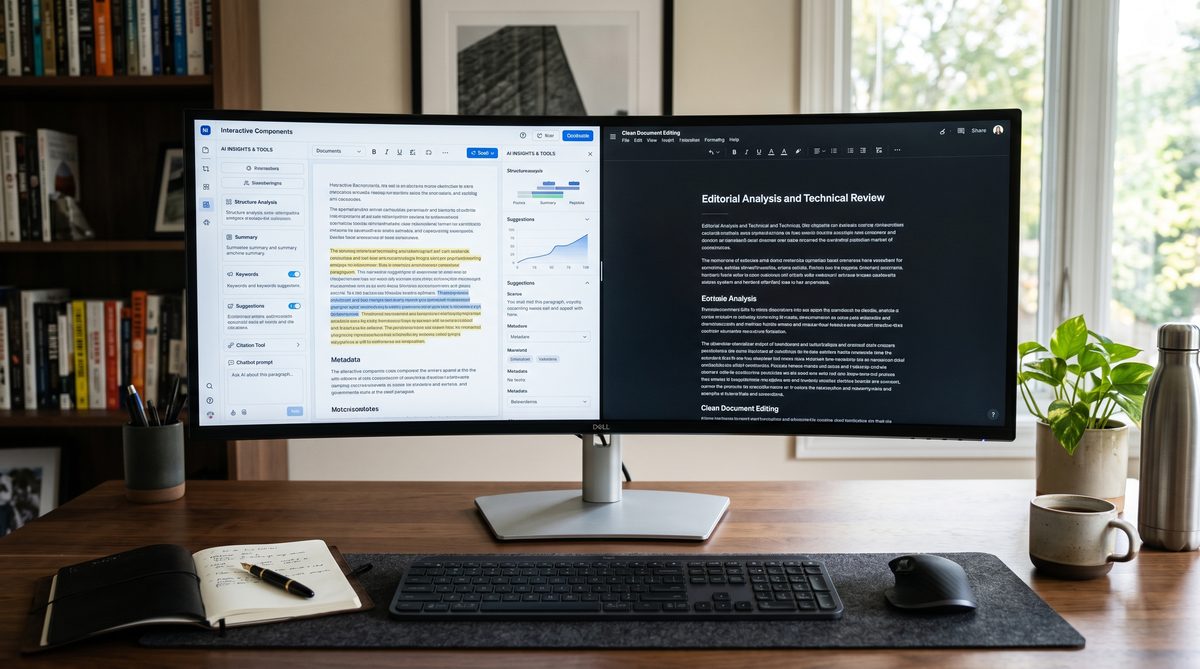
The Direct Verdict: Both Win, Different Wars
Claude Artifacts edges Canvas for client documents and interactive tools because live rendering shows bugs before clients see them. Canvas wins for long-form writing and multi-stage revision workflows because it makes targeted edits without unnecessary rewrites. Pick Claude if you build decks, SOPs, dashboards, and client reports that need to work before delivery. Pick Canvas if you write articles, proposals, and detailed strategy narratives that require many revision passes. Most operators under $5M revenue need both: Claude for output quality, Canvas for revision efficiency.
The Workspace Wars: Core Differences
These aren't the same tool with different names. They philosophically split on what matters.
Canvas treats artifacts as collaborative documents. Both you and ChatGPT can edit inline. It includes reading-level sliders, grammar polish buttons, and length controls. You make a request; Canvas applies only the changes you ask for. It doesn't rewrite the opening paragraph when you edit the closing.
Artifacts treats outputs as sandboxed environments. Claude controls the creation; you observe and request changes via prompts. When you ask for a revision, Claude often rewrites broader sections. But here's the win: Artifacts renders code, React components, HTML, SVG, and charts *live* inside the interface. You see interactive prototypes in real time. No copy-paste to CodePen. No external browser tab. Click, type, test—all within Claude.ai.
For operators producing client work, this distinction matters operationally. Interactive tools and decks that must function are different from pure written documents.
Test One: Output Quality on Strategy Decks
I asked both tools to generate a one-page strategy deck framework for a fictional $2M revenue SaaS firm.
Claude output rendered as a live HTML/CSS slide in Artifacts. Buttons worked. Colors applied correctly. Charts displayed interactive data on hover. The operator could see if the design functioned before sending to the client. That's not just nice—it kills revision cycles. You catch rendering bugs, spacing errors, and interactive failures in-house.
Canvas generated the same deck as static HTML code. The code looked identical to Claude's. But to see it working, you'd copy the code into an external editor, paste it into a browser, and test. That's two context switches and no feedback loop inside the tool. For a solo operator or a two-person team, that friction adds up across ten client projects per month.
Winner on output quality for interactive deliverables: Claude Artifacts.
Winner on code clarity and editability: roughly even, slight edge to Canvas for precise inline edits.
Test Two: Revision Efficiency on SOPs
I drafted a 1,500-word Standard Operating Procedure (client-facing, detailed steps, screenshots, decision trees) in both tools.
With Canvas: I requested three edits. "Shorten section 3 by 40 percent." "Change tone from instructional to advisory." "Add a decision tree for exceptions." Canvas applied each edit surgically. It didn't regenerate section 1. It didn't rewrite the screenshots. It made the changes and showed me the delta. Revision loop: two minutes. Client ready after three rounds of feedback.
With Artifacts: Same edits. Claude rewrote the entire document each time. The rewritten sections were often better—more polished, tighter language—but they weren't what I asked for. I had to re-review entire passages to verify nothing unintended changed. Revision loop: four minutes per round because of the verification overhead. By round three, I'd spend fifteen minutes total on revisions when I needed five.
For SOPs, procedures, and regulatory documents where precision revision matters, Canvas has a structural advantage. Operators who revise frequently benefit from targeted edits, not full rewrites.
Winner on revision efficiency: ChatGPT Canvas.
Test Three: Brand Voice Adherence
This is where operator language comes in. You have a voice. Your clients know it. Your team speaks it. The tool must preserve it, not overwrite it.
Both Claude and Canvas allow custom instructions and brand guidelines. You can upload a style guide, a tone document, or past examples.
Canvas makes it easier to enforce. The reading-level slider and tone controls are built into the interface. You can say "make it more conversational" or "tighten it up" without rewriting the whole document.
Claude enforces brand voice through conversation. You describe your voice; Claude applies it. The results are often more natural and less formulaic than Canvas outputs. But if Claude drifts from your guidelines, the only recourse is another prompt and another full rewrite.
For teams under five people, Canvas's built-in tone controls reduce back-and-forth. For operators who value deep writing quality and don't mind iterating on voice, Claude's conversational approach produces stronger final output.
Winner on ease of brand enforcement: Canvas. Winner on voice depth and polish: Claude.
Test Four: Team Fit—Solo Operators vs. Small Teams
A solo operator producing five client decks, three SOPs, and two reports per month faces different constraints than a two-person team doing twice the volume.
For solo operators: Claude Artifacts wins. Live rendering eliminates client-facing surprises. One person can't afford to find out a dashboard breaks after delivery. The revision-efficiency loss is worth the quality gate. You frontload the work, ship it clean.
For small teams (2-4 people): Canvas wins. Teams revise collaboratively. One person drafts, another reviews and requests changes. Canvas's inline editing and precise changes let the reviewer make requests without derailing the drafter. The efficiency gain compounds across dozens of revisions per week. Teams working on long-form strategy documents, detailed proposals, and regulatory writing benefit from the revision loop speed.
Mixed scenario (both document and code work): Use both. Maintain subscriptions to both Claude Pro ($20/month) and ChatGPT Plus ($20/month). Assign Canvas for written documents, decks, and SOPs. Assign Claude for interactive tools, data visualizations, and client dashboards. Cost per tool is identical. Output velocity increases by 30-40 percent.
Pricing and Access
Both tools cost $20 per month. Claude Pro gives you Artifacts plus higher message limits. ChatGPT Plus gives you Canvas plus access to GPT-4o. Free tiers exist but with crippling message caps. For production work on client projects, both require paid subscriptions.
Canvas is also available through ChatGPT's Projects feature, which adds persistent context and file uploads. Artifacts integrate with Claude Projects similarly. Neither has a meaningful pricing advantage.
A Navy Analogy from Real Experience
I once worked on a defense contracting proposal for a $800M Navy vessel program. The RFP was 500 pages. The response was due in eight weeks. I had three writers and me managing the effort.
We divided the work. Three writers drafted sections in parallel. I reviewed and consolidated. We used comment tracking and detailed revision notes. Every edit had to be approved before integration. Why? Because in defense work, consistency is a weapon. A tonal mismatch or a factual inconsistency can cost millions.
That's what Canvas gave us here: the ability to revise without losing coherence. With Claude's full-rewrite approach, we would have spent twice as long re-verifying every change. Artifacts would have been useless because Navy RFPs aren't interactive components. They're precise, long-form documents that must align across fifty sections.
The lesson: know your output type. Written documents with many revision cycles need Canvas. Interactive tools, live code, and visual prototypes need Claude.
The Owner-Operator Frame
Here's the truth: you make production-grade deliverables. You can't afford to guess. You can't afford to revise endlessly. You can't afford quality surprises after delivery.
Claude Artifacts removes quality surprises by showing you interactive output live. You see if it breaks. You see if the design renders. You see if the visualization works. That pre-flight inspection saves revision cycles downstream.
ChatGPT Canvas removes revision surprises by making targeted edits, not full rewrites. You ask for a change; it applies only that change. No hidden side effects. No unintended rewrites. That transparency saves cycles in multi-stage reviews.
Both tools solve different operator problems. Your job is to match the tool to your output type, not to pick a favorite based on marketing.
For more on this, see our piece on Custom GPTs vs Claude Projects.
For more on this, see our piece on Claude Code vs GitHub Copilot.
For more on this, see our piece on Lovable vs Bolt vs v0.
FAQ
Q: Can I use Canvas for interactive tools like dashboards? Yes, but the rendered output exists outside Canvas. You'll copy-paste to an external editor to see it work. Claude shows it live inside the interface. If interactive previews matter—and they do for client work—Claude is faster.
Q: Does Canvas preserve my edits if I ask for multiple changes at once? Yes. Canvas applies grouped changes efficiently without rewriting unaffected sections. Claude tends toward full rewrites even when you ask for small edits. For multi-request revision rounds, Canvas is more predictable.
Q: Which tool writes better long-form content? Claude's writing is consistently more natural and less formulaic. Canvas's writing is clear and professional but more template-like. For narrative-driven strategy documents and detailed SOPs, Claude produces slightly higher quality. Canvas is faster to revise once drafted.
Q: What if I need both tools for different outputs? Buy both subscriptions. $40/month is cheap compared to hiring a second contractor. If you ship five client deliverables per month, the two-tool approach saves 3-5 hours per week in revision cycles alone. ROI is positive in month one.
Q: Can I share Artifacts or Canvas outputs directly with clients? Both tools support sharing and exporting. Artifacts share as live links; Canvas exports to PDF, DOCX, or HTML. For interactive components, Artifacts links are cleaner because the client can interact with the output. For documents, both export cleanly.
Doctrine Connection: Competence beats credentials