Tactical GHL Tactics May 11, 2026 9 min read The Automated Client Reporting Dashboard That Saves Agencies 20 Hours Per Week
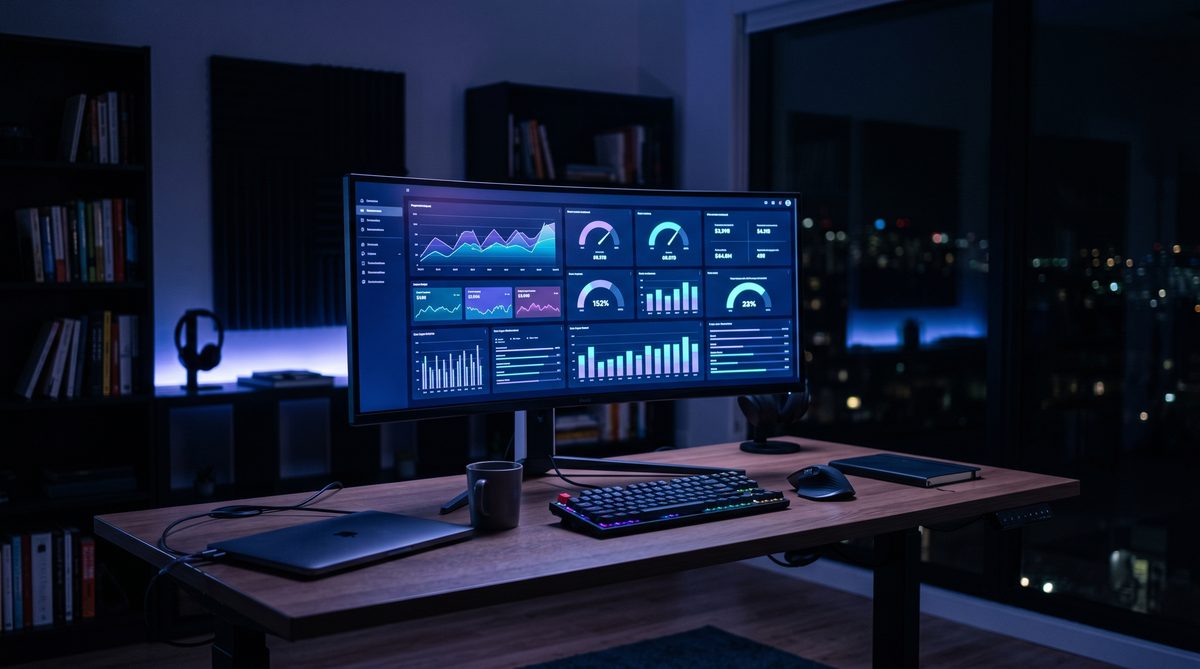
GHL + Looker Studio gives you white-label client dashboards your competitors are still building by hand every Monday morning.
Jeff Barnes
Founder, Digital Evolution Marketing Group
The answer is GoHighLevel connected to Looker Studio, white-labeled under your brand. That stack eliminates manual report assembly, auto-delivers to clients on schedule, and turns what used to cost you 20 hours a week into something that runs while you sleep. This is not theory. Agencies tracking 7,000 accounts saved an average of 137 billable hours per month after making this switch — according to AgencyAnalytics' own benchmark data. That is not a rounding error. That is nearly a full-time employee's workweek given back to you every single month. The question is not whether you should automate your reporting. The question is why you have not done it yet.
The Reporting Tax: What This Is Actually Costing You
Agency owners think reporting is overhead. It is not. It is a tax — and you are paying it in the one currency you cannot print more of: time.
According to AgencyAnalytics' 2024 benchmarks, 28% of agency owners or CEOs are personally responsible for building and presenting client reports. Not a junior analyst. Not an account coordinator. The owner. The person who is supposed to be running the business, building new revenue, or thinking about exit strategy is stuck compiling spreadsheets every Monday morning.
Here is the arithmetic: agencies spend an average of 15 to 20 hours per week on client reporting. For a 10-client agency billing at $150 per hour, that is $3,000 to $4,500 in opportunity cost every week. Over a year, that is somewhere between $156,000 and $234,000 in lost capacity — not revenue you failed to earn, but value you actively burned because your systems were not doing their job.
The breakdown inside a typical report is brutal: 30% of time goes to analyzing what happened, 20% goes to explaining the data, and 18% goes to writing recommendations. The actual assembly — pulling numbers from five platforms and dropping them into a slide deck — eats the rest. That assembly work is the part that should not exist anymore. It is the part a connected data pipeline can eliminate entirely.
When I was building Angel Investors Network, I learned something early: anything that requires me to touch it every week is not a system. It is a chore list. Reporting is the biggest chore list in agency life. Automate it or accept that you will never sell this business for a multiple worth having.
For more on how this connects to the bigger operational picture, see our [GHL Setup Playbook: The $15K Build That Replaces 6 Subscriptions](/blog/ghl-setup-playbook-15k-build-replaces-6-subscriptions).
The Build: GHL + Looker Studio Integration Step by Step
This stack has two layers. GHL is the data engine — it captures leads, tracks pipelines, logs appointment show rates, and records campaign performance across every client sub-account. Looker Studio is the presentation layer — it pulls that data, structures it visually, and delivers it automatically. Together, they create a reporting system your clients can view anytime without a meeting, a PDF attachment, or your involvement.
**Step 1: Structure Your GHL Sub-Accounts Correctly**
Every client lives in its own sub-account inside GHL. This is non-negotiable. If clients share accounts, your data bleeds together and your reporting becomes worthless. Under the GHL Unlimited plan at $297 per month, sub-accounts are unlimited. One client, one sub-account, clean data from day one.
Inside each sub-account, set up custom fields that match the KPIs you have promised that client. If you sold them on lead generation, track lead source, lead stage, and cost per lead. If you sold them on appointment setting, track booking rate, show rate, and close rate. GHL captures all of it natively — but only if you build the sub-account architecture correctly at the start.
**Step 2: Connect GHL to Looker Studio via API or Connector**
GHL does not have a native Looker Studio connector out of the box. You have two clean paths here. First, use a third-party connector like Windsor.ai or Supermetrics to pull GHL data directly into Looker Studio as a data source. Second, export GHL data to Google Sheets via a Zapier or Make automation, then connect that sheet to Looker Studio as a live data source. The second path costs less. The first path is more reliable at scale.
For agencies running more than 20 clients, Windsor.ai at roughly $19 to $99 per month is the smarter move. It maintains the connection without manual exports and supports blended data from Google Ads, Meta, and your CRM in the same dashboard.
**Step 3: Build a Master Dashboard Template**
Do not build individual dashboards for each client from scratch. Build one master Looker Studio template with dynamic data source controls. Every metric pulls from a parameter that you swap per client. Twelve clients means twelve copies of one template — not twelve bespoke builds.
The master template should include: pipeline overview, lead source breakdown, campaign performance by channel, appointment metrics, and a month-over-month comparison panel. All of it updates automatically when the underlying data changes. The client sees it live. You see it live. Nobody assembles anything.
**Step 4: Schedule Automated Delivery**
Looker Studio has a built-in scheduled email feature. Set each client's report to deliver on the first of the month, every month, to their inbox. Include a link to their live dashboard. The email goes out without a single human action on your end. Pair this with a short video Loom or AI-generated summary if you want to add a strategic layer — but the data transmission is fully automated.
What to Automate: The 5 Reports Every Agency Client Expects
Clients do not need everything. They need the five things they signed the contract for. Build your automated stack around these and nothing else.
**1. Lead Volume and Source Report**
How many leads came in. Where they came from. Which channels are producing and which are costing money without return. GHL tracks this natively at the contact level. Looker Studio visualizes it with a donut chart and a trend line. Auto-delivers monthly.
**2. Pipeline Stage Report**
How leads are moving through the funnel — open, contacted, qualified, proposal, won, lost. This is the report that separates agencies who can articulate sales process performance from agencies who just run ads and hope. GHL's opportunity tracking feeds this directly.
**3. Campaign Performance Report**
Click-through rates, cost per lead, ad spend by platform, ROAS where applicable. Pull Google Ads and Meta Ads data into the same Looker Studio dashboard using the native Google Ads connector plus a Supermetrics or Windsor.ai feed for Meta. One view, two platforms, no assembly.
**4. Appointment and Show Rate Report**
If you are running appointment-based client campaigns, this is the report that proves your system works downstream of the ad. Booking rate from the funnel, show rate from the reminder sequences, and close rate from the sales team. GHL captures all three. Display them side by side so your client can see the full waterfall.
**5. Month-Over-Month Comparison**
Clients do not have context. They need you to show them direction, not just numbers. Build a comparison panel that shows this month versus last month, with percentage change and a color indicator — green for up, red for down. Looker Studio handles this with calculated fields. Set it once. It runs forever.
For a related look at how reporting connects to retention, see our [Case Study: Agency Churn Reduction From 35% to 8%](/blog/case-study-agency-churn-reduction-35-to-8-percent).
White-Labeling: Making It Look Like Your Proprietary Platform
Here is where the asset value compounds. A client who logs into a dashboard branded with your agency's name — your logo, your color palette, your domain — does not think of it as a GHL report or a Looker Studio embed. They think of it as your platform.
That perception has real commercial value. It creates switching costs. A client who has been logging into your branded reporting portal for 18 months does not leave easily. The dashboard has become part of their business workflow. That is retention strategy disguised as a design decision.
In GHL, white-labeling at the sub-account level means clients see your agency name everywhere inside their portal. At the Unlimited plan tier, you can use a custom domain — so clients access their GHL environment at a URL you control, not a gohighlevel.com subdomain. Add your logo, set your color scheme, and the platform disappears behind your brand.
In Looker Studio, apply your brand colors and logo at the report level. Use Google's built-in theme editor to lock in typography and color. Every automated email that delivers the report comes from your sender address, not a generic tool notification. The client's experience is frictionless, branded, and professional from end to end.
For agencies willing to invest a step further, AgencyAnalytics offers a white-label reporting platform with 80-plus integrations, custom client portals, and automated scheduling — at a cost of roughly $10 to $15 per client per month at mid-scale. This is the right tool for agencies managing 20-plus clients who want a purpose-built reporting environment without the custom build overhead of a Looker Studio setup from scratch.
Either path — GHL plus Looker Studio or GHL plus AgencyAnalytics — produces the same outcome: a branded reporting experience your clients do not know is automated, and your competitors are still building by hand.
The Exit Angle: Automated Reporting Increases Your Agency Valuation
Agency acquisitions run on one question: does this business require the owner to function? If the answer is yes, the multiple shrinks. If the answer is no, the multiple grows. Automated reporting is one of the clearest signals to a buyer that the answer is no.
This is the Owner's Exit Engine applied directly to agency operations. Every system you build that removes yourself from a recurring operational task is compounding equity. The reporting dashboard does not just save you 20 hours a week — it proves to an acquirer that client communication, data delivery, and relationship maintenance happen without you.
Think about what a buyer evaluates during due diligence on an agency. They look at client concentration, contract length, churn rate, revenue per employee, and operational documentation. Manual reporting creates founder dependency at multiple points: the owner or senior account manager pulls the data, interprets it, assembles the report, and presents it. Remove any one of those people and the system collapses. A buyer prices that fragility into their offer.
Automated reporting breaks that dependency chain. The data pulls itself. The dashboard updates itself. The report emails itself. The client logs in on their own schedule. An acquirer sees a system that serves 30 clients with the same labor overhead it served 10 clients. That is a scalable asset, not a fragile service business.
The math on valuation is straightforward. Agencies typically sell at 3x to 5x SDE (seller's discretionary earnings) when they are owner-dependent. Operator-independent agencies with documented systems command 6x to 8x or higher. If your agency generates $500,000 in annual SDE, the difference between 3x and 6x is $1.5 million in exit value. One automated reporting stack, built correctly, is part of what earns that premium.
This is not abstract capital theory. It is doctrine made operational. Systems beat slogans. An automated dashboard is a system. A manual report is a slogan about being data-driven.
Doctrine Connection: Systems Beat Slogans
Every agency pitch deck says the same thing. Data-driven. Results-focused. Transparent reporting. These are slogans. The automated client dashboard is the system that proves whether any of them are true.
If you tell a prospect you are data-driven but then email them a manually assembled PDF on the 15th of each month — sometimes the 18th when someone is sick — you are not data-driven. You are performing data-drivenness on a delay. Clients sense the gap between the pitch and the delivery. That gap is where churn begins.
An automated dashboard closes the gap permanently. The client can log in on a Wednesday morning and see where their campaign stands. They do not need to wait for a meeting. They do not need to send an email asking for an update. They do not need to wonder. Clients who can see their data in real time are clients who trust you — and clients who trust you do not leave.
This is why the reporting system is not just an operations decision. It is a retention asset and a sales tool. When you are in a competitive pitch and a prospect asks how you report performance, you show them a live dashboard. You log into the client portal you built for a current client — branded, real-time, automated — and you let the system speak. No competitor building manual reports can match that moment.
For agencies exploring how AI content systems compound the same way, see our [Tactical Audit: AI Content Factory — Volume Without Voice](/blog/tactical-audit-ai-content-factory-volume-without-voice).
Build the system. Let the system do the talking.
Frequently Asked Questions
ABOUT THE AUTHOR
Jeff Barnes
Founder, Digital Evolution Marketing Group
Two-time international bestselling author. Former U.S. Navy nuclear submarine operator and Quality Assurance Officer. 25+ years in marketing systems, capital formation, and business operations. Involved in over $1 billion in capital formation. Founder of Angel Investors Network. MBA in Leadership, University of Washington.
- · Author of "All Hands on Deck"
- · Author of "The Ultimate Guide to Self-Directed Investing & Retirement Planning"
- · Founder, Angel Investors Network
- · MBA Leadership, University of Washington
Connect on LinkedIn →