
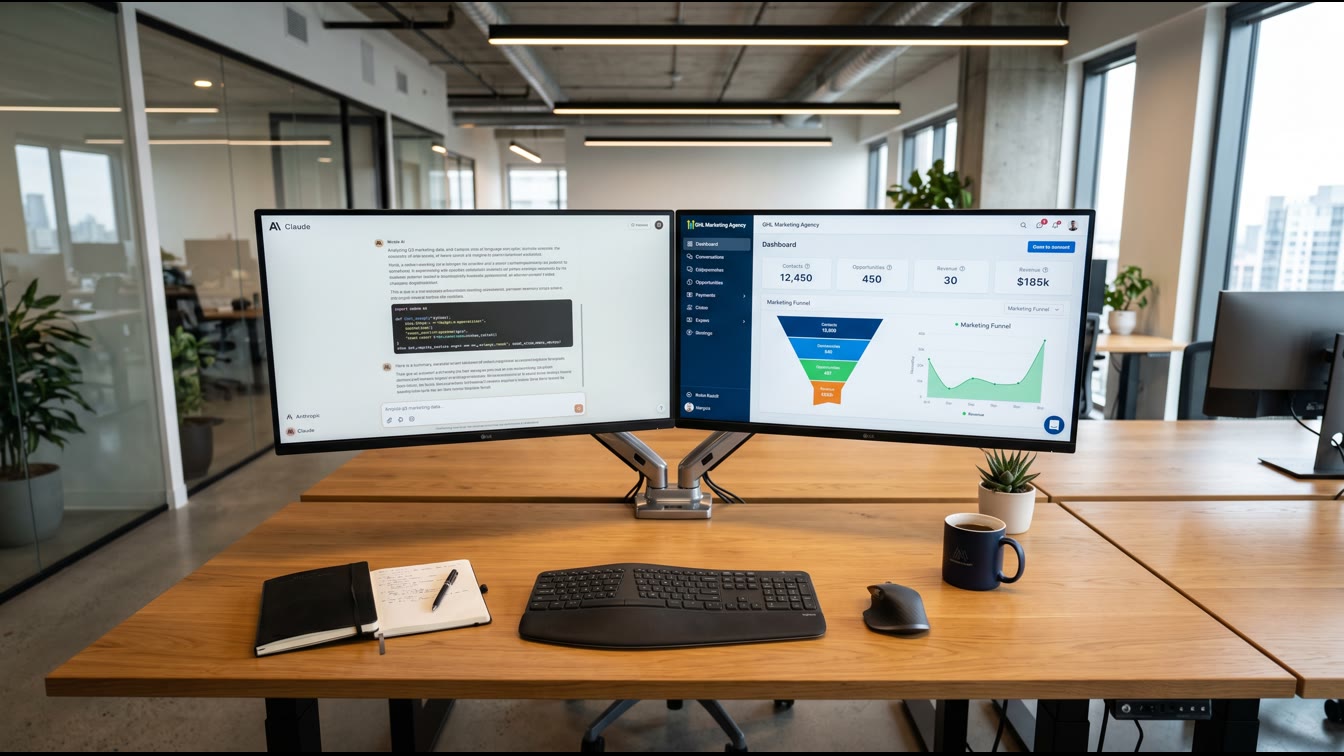
Wiring Claude Into Your GHL Stack: The Routing Question
Anthropic launched Claude for Small Business on May 13, 2026. Fifteen pre-built workflows. Ten-plus connectors. HubSpot, Slack, Google Workspace, DocuSign, QuickBooks, PayPal, Stripe, Canva, Square, Webflow. The agency owner reads the headline. The thought: does this replace my GoHighLevel investment, or does it live beside it? Answer: it lives beside it. The math changes when you map the overlap. This article is the routing table.
You're a founder-operator running an agency. GHL handles your client-management engine: voice calls, SMS campaigns, CRM actions, workflow automation, appointment booking. Claude for Small Business handles your own business operations: cash forecasting, contract review, invoice chasing, team onboarding, margin analysis, tax prep. Different belts. Same carrier. The question isn't "which one wins." It's "which task goes to which system?"
I spent four years in the Navy standing watch in the engine room of a nuclear submarine. You manage flow. You segregate systems. You verify before you act. Claude for Small Business ships with human-in-the-loop approval gates. GoHighLevel ships with client-facing automation that runs unattended. That difference is the doctrine that separates them.
The Overlap and the Conflict
Claude for Small Business ships with fifteen agentic workflows. GoHighLevel's AI Employee suite includes eight native AI features: Conversation AI, Voice AI, Workflow AI, Content AI, Reviews AI, Funnel AI, Image AI, and Social Planner AI. Conversation AI and Workflow AI appear in both stacks.
But here's the compartmentalization: GHL's Conversation AI (chatbots, SMS responders) and Workflow AI (multi-step automations) live in your client engagement layer. Claude's 15 workflows—payroll planning, 30-day cash forecasting, month-end close packets, overdue invoice chasing, Monday morning business pulse, contract review, lead triage, margin analysis, tax season prep, employee onboarding—live in your operations layer.
Conflict emerges in one zone: lead qualification and pipeline routing.
GHL voice agents answer the phone. They qualify inbound leads. They book appointments into your CRM. They hand off context to your sales team. Claude has no voice agent. Claude has no appointment-booking integration to your calendar. Claude does have HubSpot read-write access. Claude can pull lead data from HubSpot, analyze it against margin thresholds, and flag hot opportunities for your team. It can send a Slack alert. It cannot answer the phone.
No conflict. Specialization.
The second zone: marketing campaign orchestration.
GHL's SMS campaigns, email funnels, social planner, and funnel builder run your client-facing marketing. Claude's marketing workflows pull HubSpot analysis (pipeline stage, deal value, contact history), generate Canva design briefs, and queue them for your approval before they execute. GHL runs the campaign. Claude generates the asset and watches for bottlenecks in your pipeline. Again: different jobs.
The third zone: data sync and reporting.
Both systems connect to HubSpot. GHL reads and writes CRM actions. Claude reads HubSpot data, updates contact records, creates tasks, and generates pipeline summaries without leaving Claude's interface. Both can query HubSpot. Only one should author transactions. You own the doctrine here: GHL owns the client CRM. Claude owns the analysis. One system writes. One system reads and suggests. Verify before Claude touches a contact record.
Mapping the Tech Stack to the Routing Table
The ATLAS Model frames this decision. ATLAS asks: Is this task Automated, Templated, Linear, Accountable, and Scalable? If yes to all five, it's a system. If no to any, it's a watch-standing position—a human decision point.
GHL's voice agents, SMS campaigns, and funnel automations are ATLAS-certified. Automated. Templated. Linear. Accountable. Scalable. They run unattended. They run at 2 a.m. They hit thousands of clients. They need no approval gate beyond the initial setup.
Claude's workflows are different. They're Automated, yes. But they ask for human approval before sending. Before posting. Before paying. Claude does the legwork. You do the sign-off. That's the law of small business automation: the bigger the financial impact, the more approvals you thread in.
So the routing table:
GHL Handles:
- Inbound call answering and lead qualification
- SMS and email campaign execution to client lists
- Appointment booking and calendar sync
- CRM state changes for booked leads (status updates, task creation)
- Live chat and messenger responses
- Client-facing funnel and sales automation
Claude Handles:
- Your own cash flow and financial planning
- Contract review before signature
- Overdue invoice identification and chasing
- Team onboarding packets and documentation
- Marketing asset generation and campaign idea validation
- Pipeline margin analysis and opportunity flagging
- Tax prep and month-end close automation
Shared Connectors (Segregate by Role):
- HubSpot: GHL writes client CRM state. Claude reads and suggests pipeline actions. One author. One adviser.
- Slack: GHL sends campaign alerts to team channels. Claude sends business intelligence and approvals needed. Different messages. Same channel.
- Google Workspace: GHL can read Gmail for inbound inquiries (in some configurations). Claude reads Drive docs for contract review. Both read Gmail. Only Claude sends drafts to Drive for approval.
Decision Tree for Task Routing
When you inherit a task or build a new automation, walk this tree:
Question 1: Is this client-facing?
- Yes → Send to GHL. Client engagement lives in GHL.
- No → Next question.
Question 2: Does this need human approval before it executes?
- Yes → Claude. Claude asks for sign-off on cash moves, contracts, payroll, and policy changes.
- No → Next question.
Question 3: Is this a recurring, high-volume, linear task?
- Yes → GHL (if client-facing) or a low-code automation tool like Zapier.
- No → Claude. Claude handles complex judgment calls—margin analysis, contract terms, tax strategy.
Question 4: Does this live in your own financial or operational systems?
- Yes → Claude. Payroll, cash flow, invoicing, tax.
- No → Is it client-facing or internal?
- Client-facing → GHL.
- Internal but operational → Evaluate by approval gates (Q2).
This tree keeps your systems clean. No redundant automations. No conflicting updates. One source of truth per domain.
The Connectors: Where They Overlap
Claude Cowork ships with connectors for Google Workspace (Gmail, Drive, Calendar, Docs, Sheets), Slack, Microsoft 365, DocuSign, Salesforce, HubSpot, Jira, Notion, Confluence, Box, Dropbox, GitHub, and more. GHL connects to HubSpot, Google Workspace (via Zapier typically), email, SMS, and client-side integrations like appointment software, payment processors, and webform builders.
The overlap lives in HubSpot and Google Workspace.
HubSpot: Claude reads opportunities, contact records, and pipeline data. Claude can flag deals at risk. Claude can create tasks for your team. Claude can pull a contact's history and draft a follow-up email for your approval. GHL reads and writes CRM state. GHL books leads into HubSpot. GHL updates contact statuses. GHL runs your client acquisition funnel. The doctrine: GHL is the author. Claude is the analyst. If you let Claude auto-update contact records, you've created a conflict. Don't. Set Claude to read-only or ask-for-approval on writes.
Google Workspace: Claude can search Gmail for contract language, pull files from Drive, and draft docs in Sheets for your review. Claude can scan your calendar for conflicts and suggest meeting times. GHL can send email via Gmail (in some setups) and pull leads from Gmail if you're capturing them there. Again: segregate by role. Claude does your email analysis and drafting. GHL does the sending. One author. One analyst.
Slack: Both systems can post to Slack. Claude sends alerts when your cash balance hits a threshold, when a contract needs review, when payroll is due. GHL sends campaign performance updates, lead notifications, and appointment reminders. Both can happen in the same channel. Just label the origin: "Claude: Cash Alert" vs. "GHL: New Lead." Your team knows the source. They know what action to take.
The integration that matters most: HubSpot and Claude allow you to pull opportunity data, update contact records, create tasks, and generate pipeline summaries without switching tabs. That's data architecture. GHL owns the client-side state. Claude owns the back-office intelligence.
When Claude Beats GHL (And Vice Versa)
Claude beats GHL at financial judgment. Margin analysis, cash flow forecasting, month-end close, tax planning, payroll, contract review. These tasks require contextual analysis across multiple data sources and a human sign-off. GHL's workflow builder can't make a judgment call about tax strategy. Claude can pull your P&L, analyze your revenue mix, and recommend a tax structuring move. You review it. You approve it. It happens.
GHL beats Claude at client engagement scale. Voice calls, SMS campaigns, chat automation, appointment booking, form handling, sales funnel orchestration. GHL is built for high-volume client interaction. GHL is built for unattended execution. Claude is not. Claude is built for your internal operations and requires human approval before major actions. That's the design. That's the doctrine.
Cross-functional: lead triage and opportunity scoring. GHL can qualify leads and hand them to your sales team. Claude can pull qualified leads from HubSpot, analyze them against your margin thresholds and historical win rates, and flag the highest-value opportunities for pursuit. GHL does the capture. Claude does the prioritization. One system qualifies. One system ranks. Your sales team works the ranked list.
The Build-to-Sell Angle: System Independence
Here's the operator play: if you're building toward an exit, your systems need to be acquirable independently. GHL owns your client base. Your automation runs on GHL. If you sell, the buyer inherits GHL and the workflows. Good.
Claude owns your financial operations. Your cash model. Your margin strategy. Your tax position. If you sell your agency, does the buyer want your Claude workflows? Probably not. They'll have their own CFO. Their own tax strategy. But the *logic* in those workflows—the rules about when you chase invoices, how you analyze margin, what triggers a contract review—that's your operational IP. It's sellable. It's transferable.
The math: a buyer pays for recurring revenue (GHL contracts), a client base (HubSpot), and a system. The system is your doctrine. If Claude embodies that doctrine—your approval gates, your financial thresholds, your hiring playbook—then you've built something bigger than tooling. You've built a replicable business.
Systems beat slogans. Both GHL and Claude are systems. Your job is wiring them into your doctrine, not the reverse.
Implementation: The First Thirty Days
Week 1: Audit Your Current State Walk every automation you run in GHL. Write down the input, the action, the output. Is it client-facing? Is it financial? Where would Claude sit? Where would Claude *conflict*?
Week 2: Pilot One Claude Workflow Start with something low-stakes but high-value. Cash forecasting. Contract review. Invoice chasing. Run the workflow parallel to your current process for two weeks. Compare output. Verify results. Build confidence.
Week 3: Connect HubSpot to Claude (Read-Only) Set up HubSpot connector in Claude. Give Claude read access to your pipeline. Run opportunity scoring or lead triage analysis. Let Claude suggest which deals to prioritize. You review suggestions. You don't let Claude touch the CRM yet.
Week 4: Route Non-Client Workflows to Claude Once you've tested and verified, move payroll, tax, cash planning, contract review, and margin analysis to Claude. Disable the manual process. Set approvals. Watch it run.
The mistake: migrating too fast. The corrective action: pilot, verify, scale. Same doctrine as Navy casualty drills. You don't run a fire drill in combat. You drill first. You verify. Then you fight.
Frequently Asked Questions
Q: If Claude has HubSpot access, will it conflict with GHL's HubSpot integration?
Claude reads HubSpot. GHL reads and writes HubSpot. No conflict if you enforce the rule: GHL is the author of client CRM state. Claude is the analyst. Claude can suggest a task. Claude can flag a contact. Claude cannot auto-update the deal stage or contact status. If Claude needs to create a task, set it to ask-for-approval first. You review. You authorize. Then Claude creates the task.
Q: Can Claude handle our marketing campaign automation instead of GHL?
Claude can generate marketing ideas, analyze campaign performance from HubSpot, and draft assets in Canva. But Claude cannot send SMS at scale, run email funnels, or manage landing pages. That's GHL's domain. Use Claude to *plan* and *analyze* campaigns. Use GHL to *execute* and *deliver* them. Claude is strategy. GHL is delivery.
Q: Should we use both systems if they both have Slack integration?
Yes. Both systems can post to Slack. Different messages. Claude sends financial alerts and approvals needed. GHL sends lead notifications and campaign updates. Your team reads both. You've wired signal isolation: one channel, two types of intelligence. No confusion.
Q: What's the approval workflow for Claude actions involving money (invoices, payroll, transfers)?
Claude does the work and asks for your approval before anything sends, posts, or pays. You review the invoice template. You review the payroll calculation. You hit approve. Claude executes. This is non-negotiable for financial tasks. Build it into every Claude workflow that touches cash.
Q: If we sell the agency, what happens to our Claude workflows?
The buyer inherits your GHL stack and your HubSpot data. The buyer does not inherit Claude workflows unless you explicitly transfer them. Claude workflows encode your financial operating procedure—cash thresholds, tax strategy, margin rules. Those are transferable IP. But Claude itself is a subscription. The buyer runs their own Claude instance. You can document your workflows and transfer the logic, but not the execution environment. Plan accordingly.